
Missed Call Text Back Not Working? 7 Checks + iPhone Fix
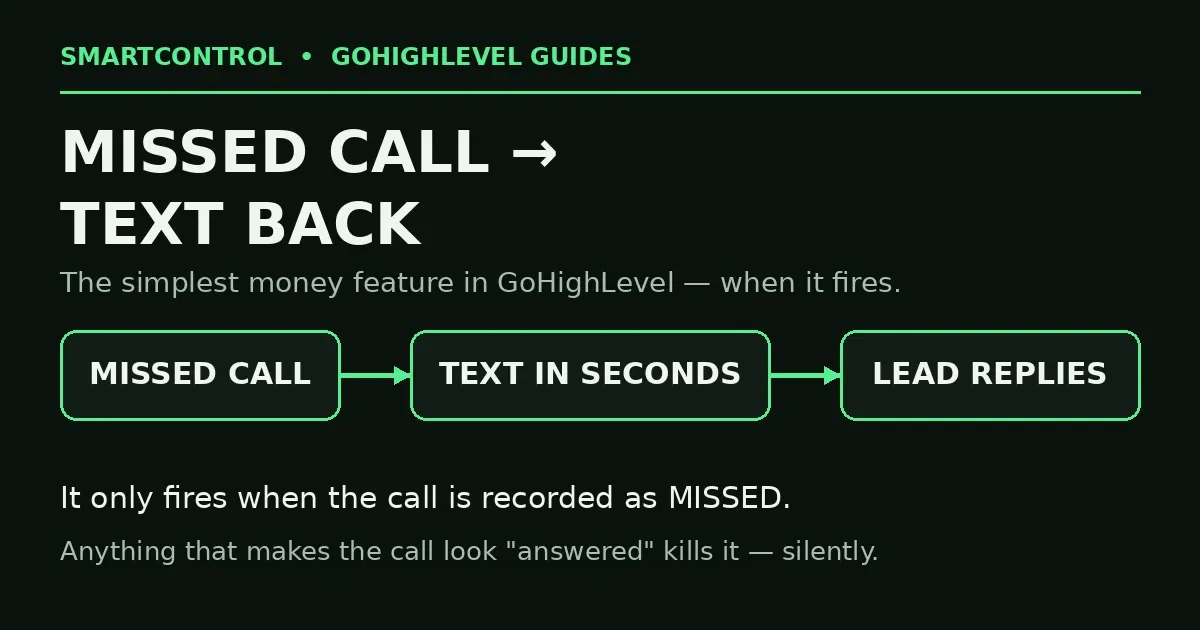
Missed Call Text Back is the simplest money feature in GoHighLevel: a lead calls, nobody picks up, and seconds later the lead gets a text — “Sorry we missed your call, how can we help?” Most of those leads reply. So when the texts silently stop, you do not just lose a feature. You lose the conversation.
Here is the short answer: the text back only fires when GoHighLevel records the call as missed. Anything that makes the call look “answered” — an iPhone answering it on-device, a person picking up and hanging up, a second system grabbing it — kills the trigger without any error. These 7 checks find which one is eating yours.
In this post: the 7 checks for missed call text back not working, in order:
- Check 1: Test like a real lead
- Check 2: Number-level text back on?
- Check 3: iPhone Live Voicemail trap
- Check 4: Two systems running
- Check 5: Audit the workflow
- Check 6: The text itself failed
- Check 7: Which number did they call?
- FAQ
Check 1: Test it the way a real lead calls
Most “it’s broken” reports fail at the test itself. Call your business number from a different mobile — not your own phone if it is the number the calls forward to, and not a number already sitting in an open test conversation. Let it ring all the way out. Do not hang up after two rings, and do not answer it “just to check.”
Then open Conversations and find the call. Read its status. If the call does not show as missed or no-answer, your text back had nothing to trigger on — and the rest of these checks explain why. If the call does show as missed and no text followed, the break is in the sending setup (Checks 2–6).
Check 2: Is the number-level text back actually on?
GoHighLevel has a built-in missed call text back on the phone number itself. Go to Settings → Phone Numbers, open your LC-Phone number, and find the Missed Call Text Back setting. Confirm three things: it is switched on, the message text is filled in (an empty message sends nothing), and you are looking at the number your leads actually call. Businesses often have two or three numbers — the one on the Google profile, the one on the website, an old tracking number — and the text back is enabled on the wrong one.
Check 3: The iPhone Live Voicemail trap
This is the cause almost nobody checks, and it is behind a wave of recent reports. If your GoHighLevel number forwards calls to an iPhone, that phone’s Live Voicemail feature can answer the call on the device itself and start transcribing. To the carrier and to GoHighLevel, that call now looks answered — because technically, it was. An answered call is not a missed call, so no text back fires. No error, no log entry, nothing.
The fix is on the iPhone that receives the forwarded calls: open Settings → Phone → Live Voicemail (on newer iOS versions it sits under the Phone app settings) and turn Live Voicemail off for business hours, or stop forwarding to that iPhone and let the call end in Go High Level’s own voicemail instead. Test again after the change — this one setting is the whole fix for more accounts than any workflow rebuild. When missed call text back stopped after a phone change, start here.
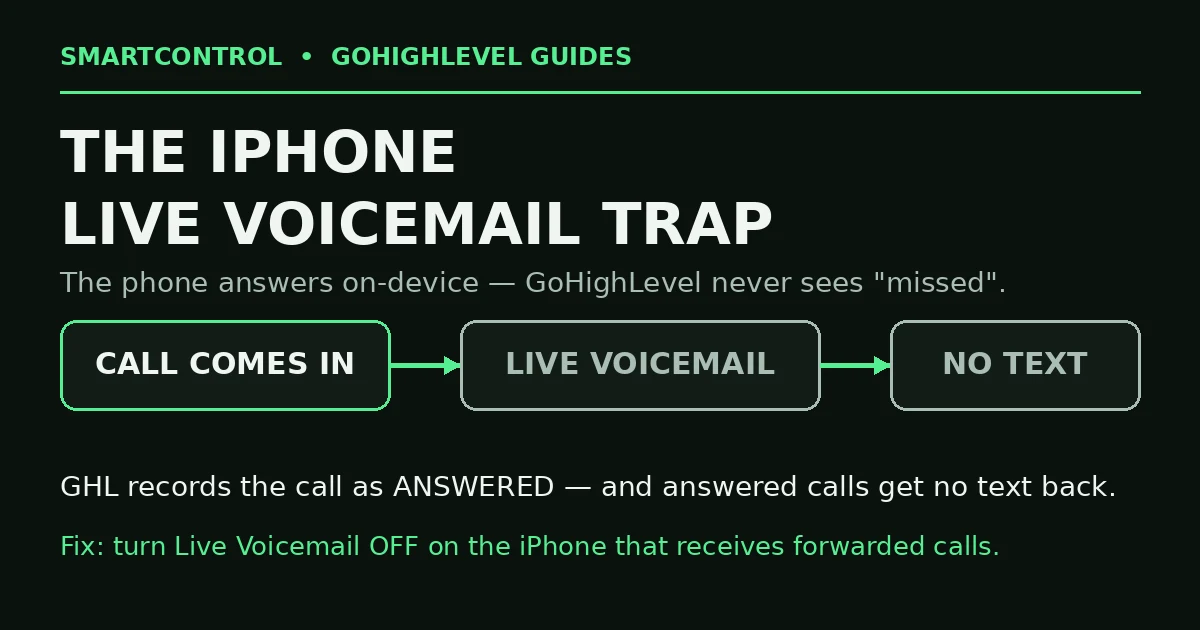
Live Voicemail answers on the phone itself — so GoHighLevel never sees a missed call.
Check 4: Two systems running = duplicates or a silent disable
There are two ways to build this in GHL: the number-level setting (Check 2) and a workflow using the Call trigger. Running both sends the lead two texts — a real finding from a recent account audit where a single account had duplicate missed-call text-backs stacked on top of each other. The opposite failure also happens: someone sees the double texts, disables “the text back”… and disables the only working one.
Decide which system you run, then verify the other is fully off. If you run the number-level setting, make sure no workflow with a Call trigger is also sending a missed-call message. If you run the workflow, switch the number-level setting off. One system, one text. Most duplicate missed call text back complaints trace back to exactly this overlap.
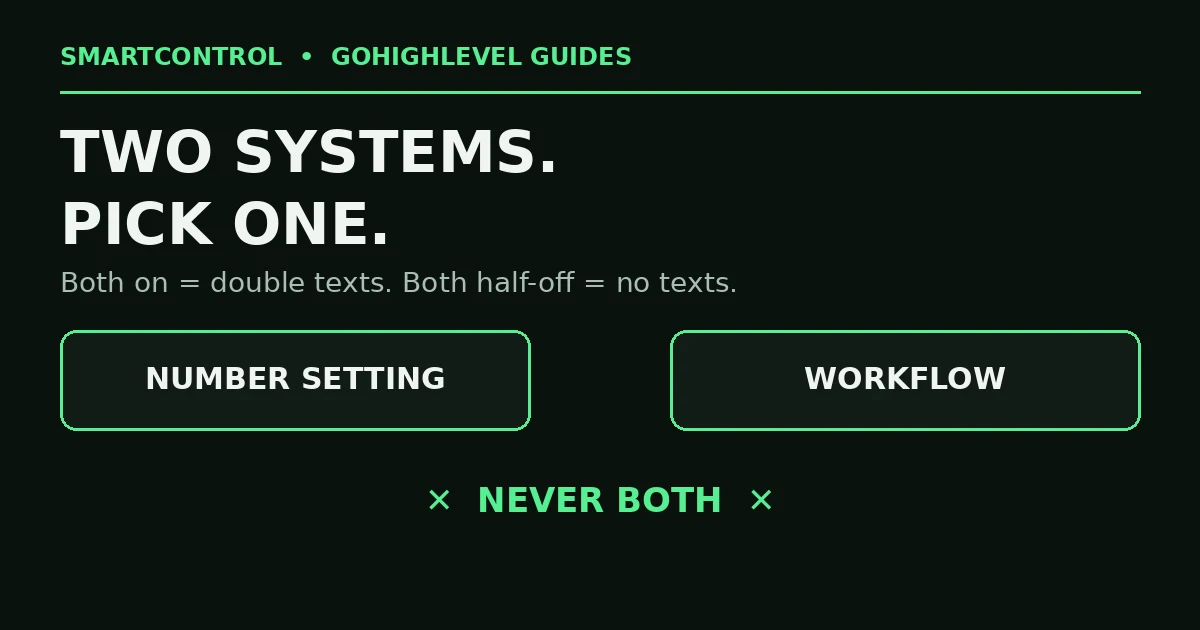
Number setting AND a workflow both on = double texts. Pick one system.
Check 5: If you use a workflow, audit the workflow
Workflow-based text backs fail in workflow ways. Open yours and check:
- It is published, not in draft. A draft never fires.
- The Call trigger filters match a missed inbound call — right direction, right call status. A filter set to the wrong status means the trigger never qualifies.
- The contact’s path in the execution history — did your test call enrol at all?
- The SMS action sends from the same business number the lead called.
If the workflow never enrols test calls, the problem is the trigger or its filters, not the message. This is the same discipline as any GoHighLevel automation debug: find where the contact stopped before you rebuild anything.
Check 6: The call was fine — the text itself failed
The text back is an SMS, and SMS has its own gates. If the call shows as missed, the workflow (or number setting) fired, but no text arrived, open the conversation and read the outbound message’s status. A2P registration gaps, carrier filtering, and opt-out states kill text backs exactly like campaign texts. Work the delivery checks: approved A2P chain, clean content, no public link shorteners. Your missed call system can be perfect and still send nothing if the number underneath it is not trusted.
Check 7: Which number did the lead actually call?
Text back only exists on numbers inside GoHighLevel. If your Google Business Profile, an old ad, or a printed flyer still shows a pre-GHL number — a personal mobile, an old landline, a call tracker that forwards straight to a phone — those missed calls never touch your CRM software, and no setting inside GoHighLevel can save them. List every number a customer can find for you, call each one, and confirm each lands in Conversations. Route every public number through GHL, or accept that its missed calls are gone. No missed call text back exists for a call GoHighLevel never saw.
Missed call text back not working: do it yourself, or get help?
Do it yourself if one number misbehaves — Checks 1–3 fix the majority of cases, and the iPhone setting alone is the answer surprisingly often. Get help if your account has grown in layers — several numbers, a number-level setting plus old workflows, forwarding chains nobody remembers building. That needs an audit of every call path, not another toggle. This is core GoHighLevel help work: simple feature, five places to break.
Book a GHL Strategy Call and tell us which number the texts stopped on: https://smartcntrol.com/book-a-call — we will trace one test call live from ring to text and show you the exact break.
FAQ
Why do some missed calls get a text back and others do not?
It depends on how each call ended and which number was called. A call “answered” by an iPhone’s Live Voicemail or picked up by a person never counts as missed. A call to a number outside GoHighLevel never reaches the system at all. That is why missed call text back not working is usually a call-status problem, not a texting problem.
Should I use the number setting or a workflow for text back?
The number setting for the simple, standard message — it is built for exactly this. A workflow when you need more: tags, pipeline moves, different messages per number. Never run both on the same number.
Does text back fire if the caller leaves a voicemail?
If the voicemail is GoHighLevel’s, the call is a missed call and the text normally fires. If an iPhone’s Live Voicemail takes the call on the device, the call can register as answered — and the text never sends. Where the voicemail lives decides it.
Why did my lead get the missed call text twice?
Both systems are on: the number-level setting and a workflow. Turn one off — duplicates make a business look careless, and they double your message costs.
The call shows as missed, but no text. What now?
Then the trigger worked and the SMS leg failed. Read the outbound message’s delivery status in Conversations and fix the SMS side — A2P status first. Our SMS delivery checks walk that path step by step.
Keep learning: Why Is My GoHighLevel Workflow Not Triggering? · GoHighLevel SMS Sent But Not Delivered? 9 Checks in Order · GoHighLevel Calendar Setup: Booking Calendar That Works
SmartControl builds funnels, websites, pipelines, calendars, and automations in GoHighLevel for agencies and local businesses. Last updated: October 2026.
