GoHighLevel Workflow Triggers: 6 Mistakes That Break Them
A returning client books again — and gets nothing: no confirmation, reminder, or follow-up. Meanwhile a lead fills in your form a second time and gets your welcome sequence again. Both failures share one cause: the workflow ran as built, but listened to the wrong event. That is what happens when GoHighLevel workflow triggers are chosen by guesswork, not by the event you want.
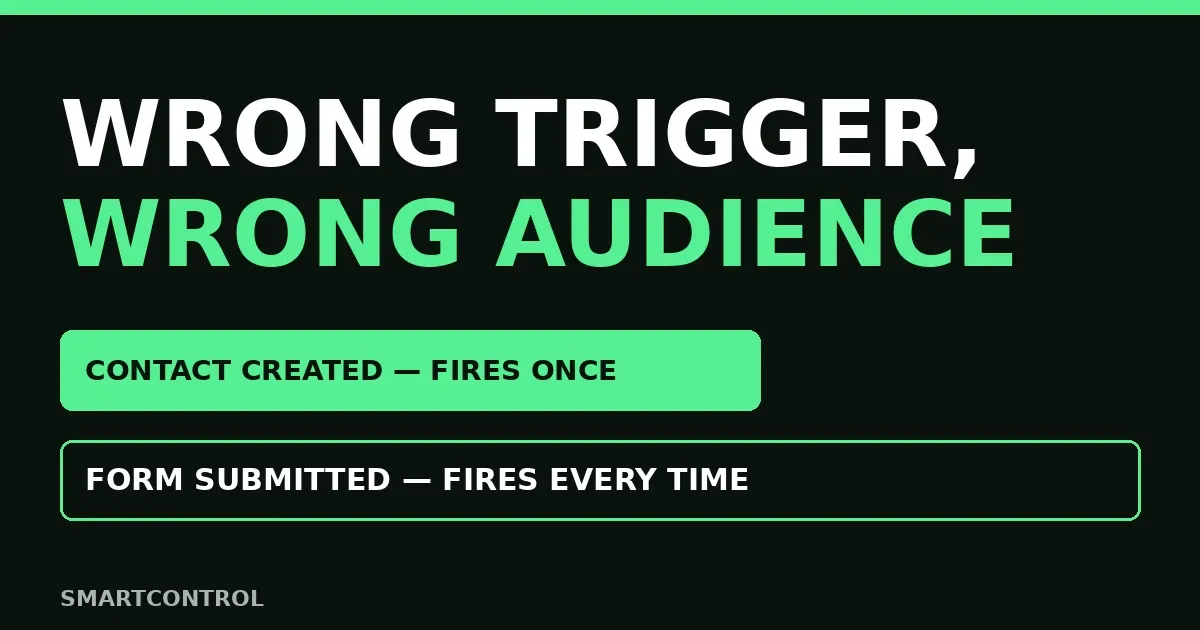
In short: GoHighLevel workflow triggers decide who enters your automation and when. Pick the trigger that matches your event: Contact Created fires once, for new contacts only — right for welcomes, wrong for confirmations. Form Submitted fires every time, even for existing contacts — right for confirmations, wrong for welcomes. Get that pair backwards and your automation does the wrong thing to the right people.
In this post:
- Why GoHighLevel workflow triggers fail silently
- 6 mistakes that break them
- Symptom-to-fix table
- Frequently asked questions
Why GoHighLevel workflow triggers fail silently
A trigger mistake does not look like a failure. Nothing errors, nothing stops, no alert fires — the workflow simply runs for the wrong people, or skips the right ones. That silence lets these mistakes survive for months: messages go out, so everything looks fine, while clients get ignored and contacts get welcomed again. People search this exact pain constantly — “doesn’t work”, “is not working”, “automation not working” — usually not a platform bug. It is a trigger that never matched its event.
The fix starts with one question: what event should start this automation? A new contact? A form submitted? A call ending? A date arriving? GoHighLevel triggers cover all of those — contact changed trigger, opportunity changed trigger, call status trigger, birthday reminder trigger, scheduler trigger, trigger links — but each fires on its own event only. Name the event first, then pick its trigger. Every mistake below skips that question.
6 mistakes that break them
Mistake 1: Contact Created for booking confirmations
Contact Created fires once, when a brand-new contact is added — manually, by form, integration, or API. A returning client who books again is not a new contact, so the trigger never fires and the confirmation never goes out. This is the most common wrong trigger mistake — it looks exactly like a broken workflow. Use Contact Created for welcomes only. For follow up automation a returning client should also receive — confirmations, reminders — use that event’s own trigger. GoHighLevel workflow triggers only work when the trigger matches the event.
Mistake 2: Form Submitted for welcome sequences
Form Submitted fires every time the form is submitted, even when the person already exists in your contacts. Put a welcome sequence on it and every repeat submission sends the “nice to meet you” series again to someone you already know. Once-per-person sequences belong on Contact Created, not on a form. If it should run on every submission — confirmation, receipt, booking follow-up — Form Submitted is the right call.
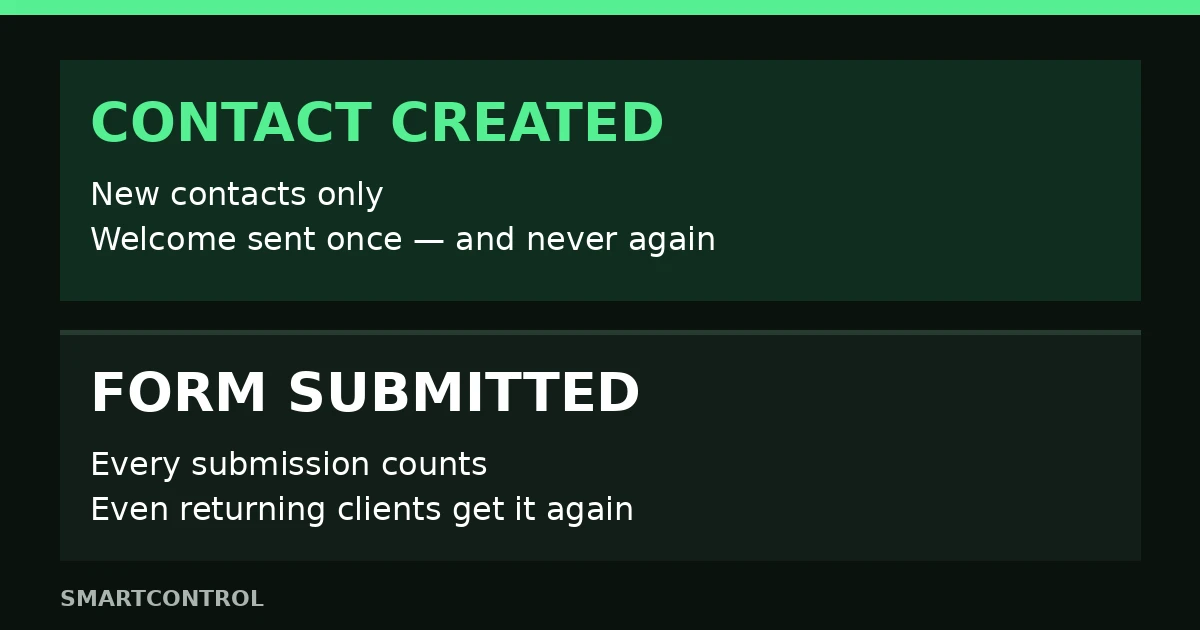
Contact Created: once, new contacts only. Form Submitted: every time, even returning clients.
Mistake 3: No trigger filters, so the wrong contacts enter
Without filters, a trigger fires for everyone who matches the event. A welcome workflow with no filter welcomes imported contacts, test contacts, and team members with real leads. A booking workflow with no filter confirms every calendar, internal ones included. Filters narrow the trigger: by source (form, manual, API), by tag, or by custom field. HighLevel’s own Contact Created documentation shows filters for exactly this. Add the filter before you publish, not after strangers appear. This is where many GoHighLevel workflow triggers go wrong — no filter, wrong audience.
Mistake 4: Two workflows firing on the same tag
When two workflows listen to the same tag, both fire — the contact gets two sequences at once, or the same message twice. This is the trap builders warn about most: each workflow looks correct alone, and the clash only appears when they run together. Before publishing, list every workflow on the tag or event you are about to use. If another workflow already owns that moment, merge the two or pick a different trigger. One event, one workflow, one owner. Audit your GoHighLevel workflow triggers for shared tags before every publish.
Mistake 5: Assuming imports and re-added contacts will fire
Bulk imports never fire the Contact Created trigger — deliberate, to stop accidental automation overload. When a contact with the same email or phone is added again and merged, the trigger does not fire again — no new contact was created. Teams that import a list and wait for welcomes wait forever, then assume the workflow is broken. If imported contacts need automation, enroll them manually. Plan around that: GoHighLevel workflow triggers need a real creation event, not an import.
Mistake 6: Testing with one dummy contact instead of two
Most builders test with one dummy contact — brand-new, perfect data — and it passes. Then a returning client resubmits and gets welcomed twice — nobody tested that path. Always test both: dummy one brand-new, dummy two an existing contact resubmitting. The first proves the automation fires. The second proves it does not fire when it should not. A workflow passing only the first test is half-tested, and the failure it hides is the one clients find first.
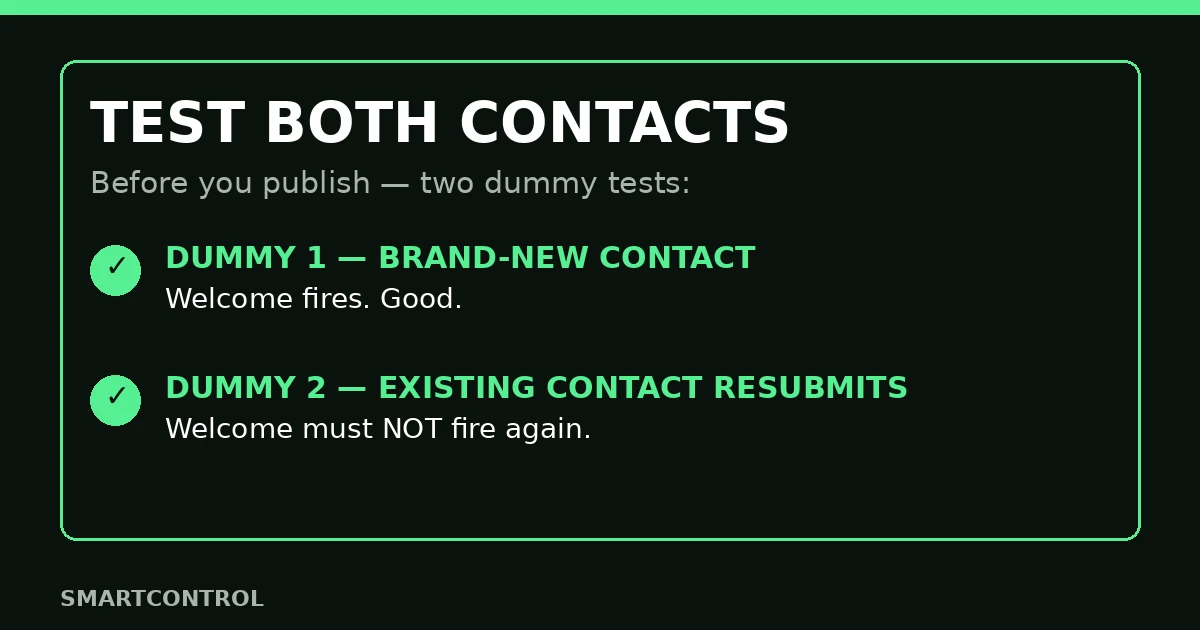
Test both: a new contact proves it fires, an existing one resubmitting proves it does not fire twice.
Symptom-to-fix table
| What you see | Most likely cause | Fix to try first |
|---|---|---|
| Returning clients get no confirmation | Confirmation built on Contact Created | Mistake 1: use the event’s own trigger |
| Existing contacts get welcomed twice | Welcome built on Form Submitted | Mistake 2: move welcomes to Contact Created |
| Wrong contacts enter the sequence | No trigger filters | Mistake 3: filter by source, tag, or field |
| Contacts get two sequences at once | Two workflows on the same tag | Mistake 4: one event, one workflow |
| Imported list gets no automation | Imports never fire Contact Created | Mistake 5: enroll imports manually |
| Workflow passes testing, fails live | Only the new-contact path was tested | Mistake 6: test both dummies |
Frequently asked questions
How to trigger a workflow?
Pick the event first, then the trigger that fires on that event. In the builder, choose the trigger type — Contact Created, Form Submitted, scheduler trigger, trigger links — add filters for source, tag, or field, then add your actions. Publish only after testing both dummies. Unsure which trigger matches? Check HighLevel’s trigger documentation before building around it.
What are triggers in automation?
A trigger is the event that starts a workflow. Nothing runs until its trigger fires, and everything after it runs for the contact that fired it. That is why GoHighLevel workflow triggers matter more than any action inside the workflow: the trigger decides the audience. Get the audience wrong and a perfect sequence still sends the right message to the wrong person, or none to the right one.
How to create a trigger link in GoHighLevel?
Trigger links let a click start a workflow — useful for confirmations, re-engagement, and “still interested” clicks in emails and SMS. Create the link in the workflow’s trigger settings, place it in your message, and anyone who clicks enters the workflow. Test it with a real click before sending it to a list.
Why does my workflow trigger show an error or fail?
First check the trigger before rebuilding: right for the event? Filters too narrow or wide? Another workflow already owns the same tag? Then check the error log and Needs Review tab — our post on GoHighLevel workflow error notifications covers where failed runs collect. If the trigger is right and the run still fails, the problem is in the workflow’s actions, not its trigger.
Should I use a scheduler trigger or a form trigger for reminders?
Match the trigger to the event. A scheduler trigger fires on a date or schedule you set — good for recurring check-ins and date-based follow-ups. A form trigger fires when someone submits — good for form automation such as confirmations and immediate follow-ups after an action the contact took. Contact did something? Use the form or appointment trigger. Date arriving? Use the scheduler. Mixing them up is how reminders go out at the wrong time or to the wrong people.
Pick the event first, then the trigger
Every broken trigger story ends the same way: the sequence was built first, the trigger chosen last. Reverse it. Name the event, pick its trigger, add filters, test both dummies before you publish. That is how GoHighLevel workflow triggers stop breaking quietly. If you want help untangling triggers that fire for the wrong people, book a free GoHighLevel strategy call.
Keep learning: GoHighLevel Workflow Not Triggering? 9 Checks in Order · GoHighLevel Appointment Reminders Not Sending: 5 Fixes
