
GoHighLevel Appointment Reminders Not Sending: 5 Fixes
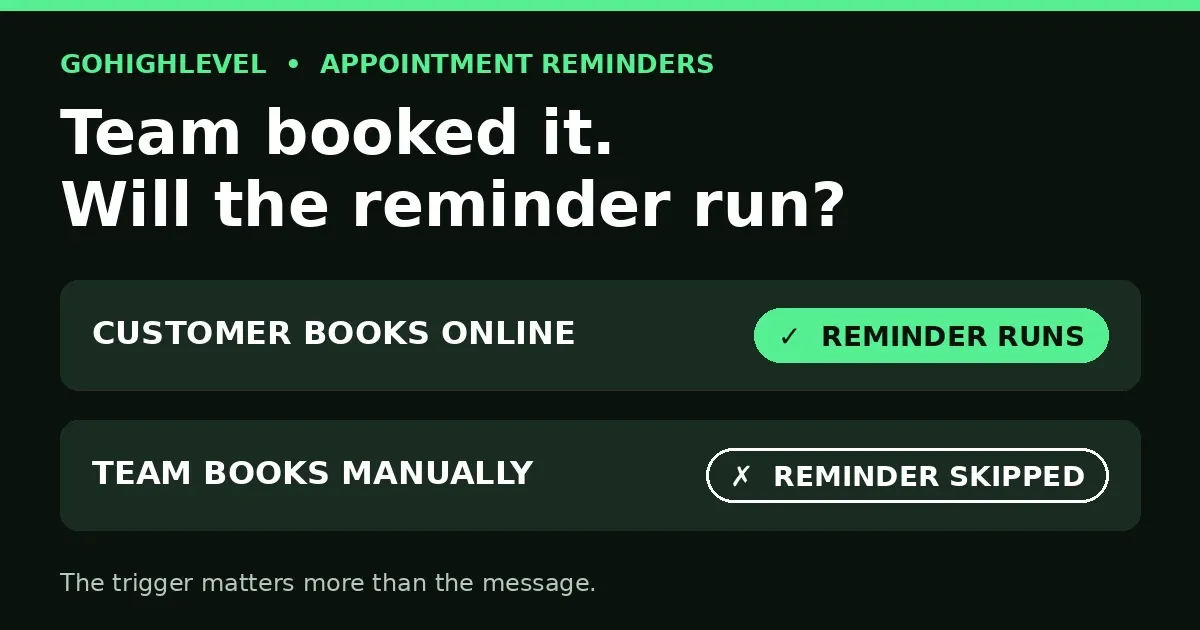
Your team booked an appointment by hand. The client never got a reminder, never showed up, and your team blamed the client — but the client was never told. That is what GoHighLevel appointment reminders not sending looks like when the booking came from your team instead of the booking page: the reminder workflow never ran, because it was never triggered.
GoHighLevel appointment reminders not sending for team bookings has one usual cause, and it is not a broken workflow. It is the wrong trigger. The reminder workflow was built on a trigger that only fires when the customer books — so every appointment your team books manually walks straight past it.
Answer box: GoHighLevel appointment reminders not sending for team bookings happens because Customer Booked Appointment fires only when a customer self-books, not for manual team bookings. Switch the reminder workflow to the Appointment Status trigger, filtered to Confirmed on your calendar, so it fires for every route. Then test both routes and confirm a reminder arrives for each.
In this post:
- Why GoHighLevel appointment reminders not sending happens for team bookings
- 5 fixes that cover both booking routes
- Symptom-to-fix table
- Frequently asked questions
Why GoHighLevel appointment reminders not sending happens for team bookings
There are two ways an appointment gets onto your calendar, and your reminder workflow probably only watches one of them.
Route 1: the customer books online
The customer opens your booking page, picks a slot, and submits. This is the route every tutorial demonstrates, and it is the route the Customer Booked Appointment trigger was built for. HighLevel’s own trigger documentation describes it exactly: it fires when a customer books an appointment. Reminders built on it work perfectly here — which is why the problem hides for so long.
Route 2: the team books manually
Someone on your team books the appointment by hand — in the calendar, from the contact record, or while on the phone with the client. No booking page is involved, so no customer booking event exists. The Customer Booked Appointment trigger never fires, the workflow never enrolls the contact, and no reminder is ever sent. The appointment sits on the calendar looking perfectly normal while the reminder sequence that should have followed it simply never started.
The gap is the trigger, not the workflow
This is the part teams get wrong: they rebuild the reminder messages, re-save the workflow, and re-test with an online booking — which works, because the online route was never broken. The workflow is fine. The trigger is watching the wrong door. HighLevel’s trigger list draws the line clearly: Appointment Status fires on status changes like booked, rescheduled, canceled, or no-show — regardless of who created the appointment — while Customer Booked Appointment fires only when a customer books.
5 fixes that cover both booking routes
Work through these in order. The first two fix the trigger; the rest make sure the fix actually holds.
Fix 1: Switch the trigger to Appointment Status
Open the reminder workflow and replace the Customer Booked Appointment trigger with Appointment Status. This trigger fires on status changes, so a booking counts whether the customer made it online or your team made it by hand. One trigger change covers both routes at once.
Fix 2: Filter to Confirmed status on your calendar
A bare Appointment Status trigger fires on every status change — booked, rescheduled, canceled, no-show — which would send reminders for appointments that no longer exist. Filter it: Status = Confirmed, and Calendar = your calendar. If your routes use different calendars or sources, match the filter to every route you actually book through, not just the main one.
Fix 3: One workflow with route-matching filters, not two workflows
You do not need a second reminder workflow for team bookings. One Appointment Status workflow with filters that match both routes is simpler to maintain and impossible to let drift apart. Build a second workflow only if the messages genuinely differ by route — for example, if team-booked clients need different preparation instructions than online bookers.
Fix 4: Set the messages and timing separately
Fixing the trigger does not write the reminders. The trigger only enrolls the contact; the confirmation, the 24-hour reminder, and the 1–2 hour reminder still need their own actions and waits, anchored to the appointment time so the cadence holds even for same-day bookings. If you switch the trigger and still see GoHighLevel appointment reminders not sending, check that the message actions and waits actually exist below it — a trigger with nothing after it sends nothing.
Fix 5: Test both routes, then check the usual suspects
Book an appointment online yourself and confirm the reminder arrives. Then book one manually, exactly as your team does, and confirm that reminder arrives too. If GoHighLevel appointment reminders not sending persists on one route, check the usual suspects before rebuilding anything: Do Not Disturb turned on for the contact, a bad or missing phone number, or a workflow left in draft instead of published. A workflow that was edited but never published is the most common reason a fixed reminder still never sends.
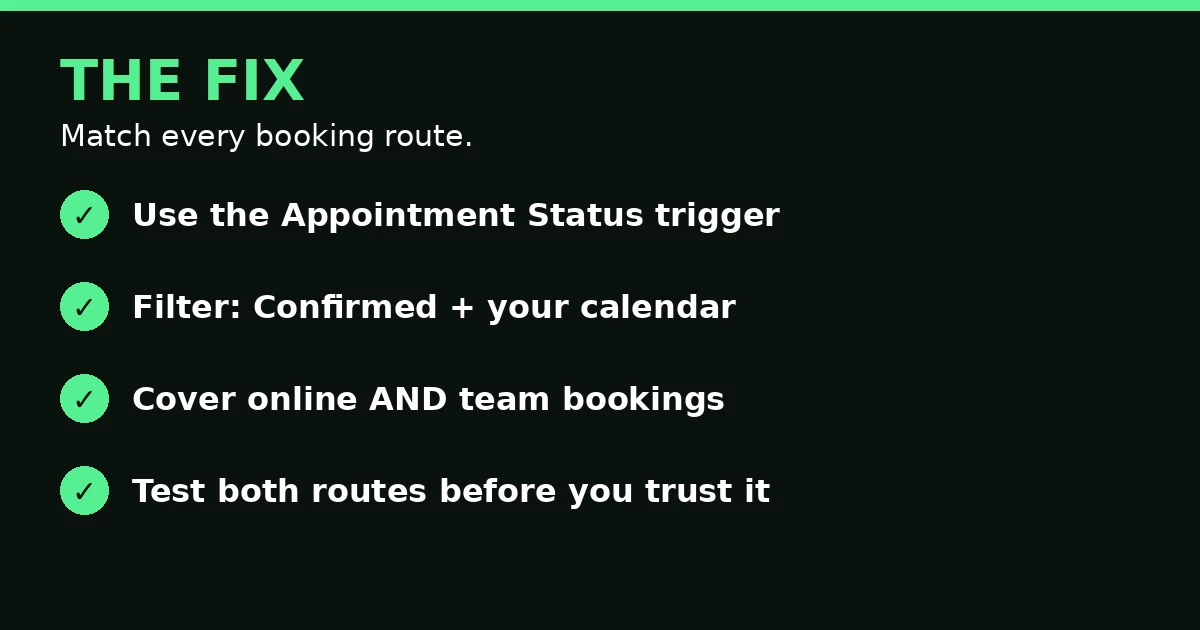
The fix: Appointment Status trigger, Confirmed + calendar filter, both routes covered, both routes tested.
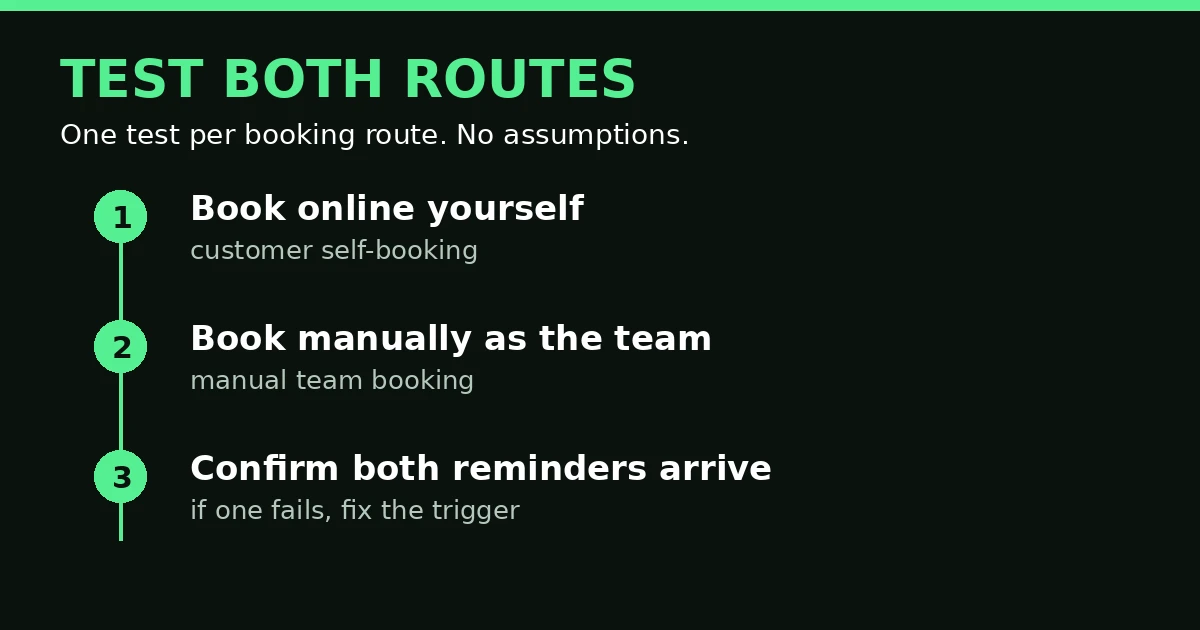
Test both routes: one online booking, one manual team booking, and a reminder for each.
Symptom-to-fix table
| If you see this | Check this first |
|---|---|
| Reminders run for online bookings, not team bookings | The trigger — switch Customer Booked Appointment to Appointment Status |
| No reminders at all, on any route | The workflow is in draft, or the message actions and waits are missing |
| Reminders sent for canceled appointments too | The filter — restrict Appointment Status to Confirmed only |
| Reminders from the wrong calendar | The calendar filter on the trigger |
| Reminders at the wrong time | Waits not anchored to the appointment time |
| Reminders fail silently after an edit | The Needs Review tab — a broken step hides there |
Use this table when GoHighLevel appointment reminders not sending is your problem but you are not sure which fix applies. That last row deserves a link: when a reminder workflow breaks without telling you, the failure hides in the same place as any other silent workflow break — see GoHighLevel Workflow Error Notifications: 6 Checks. And if reminders stop because the calendar itself disconnected, that is a different problem: GoHighLevel Calendar Keeps Disconnecting? 7 Fixes That Hold. Our calendar setup post covers the booking side in full: GoHighLevel Calendar Setup: Booking Calendar That Works.
Frequently asked questions
Does Customer Booked Appointment fire for team bookings?
No. It fires when a customer books an appointment. A manual team booking creates no customer booking event, so the trigger never fires and the workflow never enrolls the contact.
What filter should I use on the Appointment Status trigger?
Status = Confirmed, and Calendar = the calendar you book through. If you book through more than one calendar or source, make sure the filter matches every route, or the gap simply moves to a different route.
Do I need two reminder workflows, one per route?
No. One Appointment Status workflow with route-matching filters covers both routes. Build a second workflow only if the messages genuinely differ by route.
Why do reminders still fail after I switch the trigger?
GoHighLevel appointment reminders not sending after a switch usually comes down to four checks: the workflow is published, not draft; the message actions and waits exist below the trigger; the contact is not on Do Not Disturb; and the phone number is valid. A trigger change fixes enrolment, not delivery.
How do I test the fix properly?
Book one appointment online and one manually, exactly as your team books, and confirm a reminder arrives for both. Testing only the online route is how this problem hides in the first place.
The short version
GoHighLevel appointment reminders not sending for team bookings is a trigger problem, not a workflow problem. Customer Booked Appointment watches only the online route; Appointment Status watches every route. Switch the trigger, filter to Confirmed on your calendar, set the messages and timing, and test both routes. Five minutes of testing both ways is the difference between a calendar full of reminded clients and a week of no-shows nobody warned.
If reminder gaps are costing you booked calls and you want them fixed properly, book a free GoHighLevel strategy call and we will sort it with you.
