
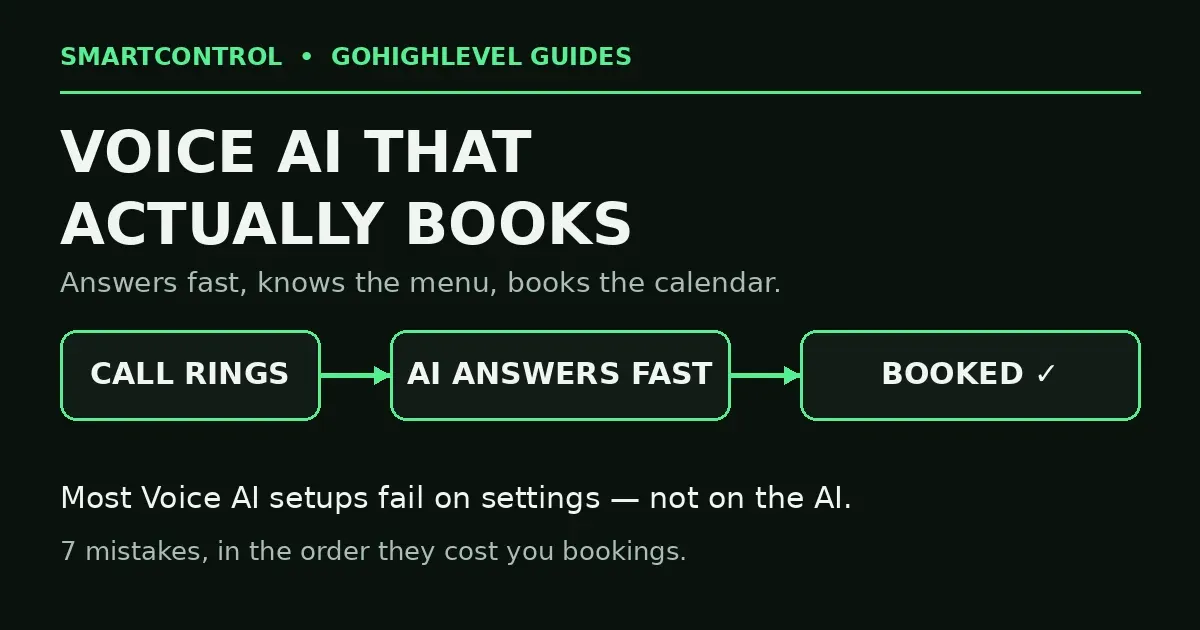
GoHighLevel Voice AI Receptionist: 7 Setup Mistakes
A salon owner posted in a GoHighLevel group this week asking for help setting up a Voice AI receptionist: 18 services, three staff members, and one clear goal — callers should be able to say what they want and get booked with the right person. That question is exactly where most Voice AI setups quietly fail. The agent answers. It sounds smart. And then it does not book.
Here is the short answer: a GoHighLevel Voice AI receptionist only performs as well as what you load into it and how fast it picks up. Ring timing, the calendar it books into, the services and staff rules it knows, its hours, and its fallback when it gets stuck — those five things decide whether it books appointments or burns callers. Here are the 7 setup mistakes, in the order they cost you.
In this post: the 7 GoHighLevel Voice AI receptionist setup mistakes, in order:
- Mistake 1: It answers too late
- Mistake 2: No calendar with real availability
- Mistake 3: Services list never loaded
- Mistake 4: No staff routing rules
- Mistake 5: No fallback when stuck
- Mistake 6: Hours do not match the business
- Mistake 7: Nobody test-called it
- FAQ
Mistake 1: It answers too late
A setup post making the rounds this week named this one exactly: the AI receptionist was set to answer on the sixth ring, while most callers give up around the fourth. The agent was answering an empty line, perfectly, every time.
Your Voice AI agent is a receptionist, and receptionists pick up fast. Set the agent to engage within the first few rings — or immediately, for the hours it covers — and then prove it with a real test call from your own mobile. Count the rings yourself. If you would not wait that long for a business to answer, neither will your leads. This single setting is the cheapest booking you will ever win, and the most common GoHighLevel help request on Voice AI right now.
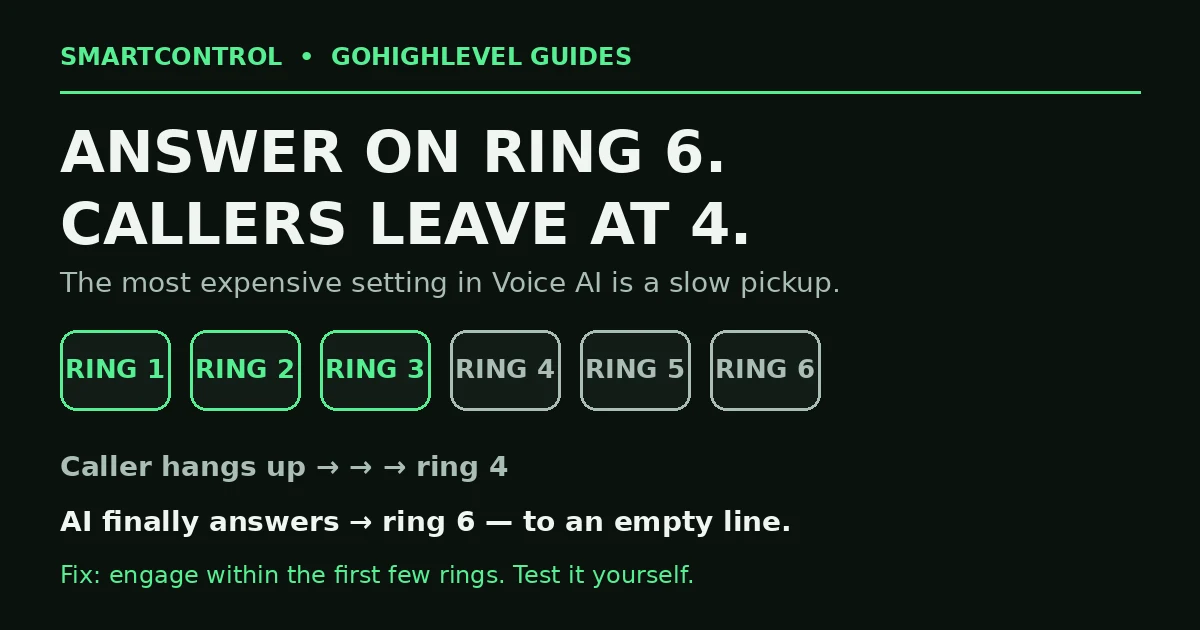
Answer on ring six, lose them at ring four — the AI greets an empty line.
Mistake 2: It is not connected to a calendar with real availability
An AI receptionist that cannot see open slots cannot book. It will chat, stall, and fall back to “someone will call you back” — which is the missed call problem with extra steps. Connect the agent to the correct GoHighLevel calendar, then check that calendar like a customer: real hours set, buffers in place, slots actually open this week. If the calendar shows no availability to you, it shows none to the AI either. Fix the calendar first (types, hours, buffers, sync), then judge the agent.
Mistake 3: The services list was never loaded
The salon owner’s real problem: 18 services is a menu, and the agent starts out knowing none of it. Your Voice AI agent only knows the business knowledge and instructions you give it. Load the full service list — names a caller would actually say, durations, and prices if you want them quoted. “Balayage, 2 hours” is an instruction. “We do hair services” is a shrug. Callers book when the agent sounds like it works there; it sounds like it works there when its knowledge is specific. Load the menu properly and the Voice AI receptionist stops guessing and starts booking.
Mistake 4: No staff routing rules
Three stylists are not interchangeable. If callers can ask for a person by name, or a service belongs to one staff member, the agent needs those rules: which services each person takes, who gets a new caller when nobody is named, and what to do when the requested person is full. Without routing rules, the agent books the wrong chair, or gives up and takes a message. Write the rules the way you would brief a new human receptionist on day one — because that is exactly what this is.
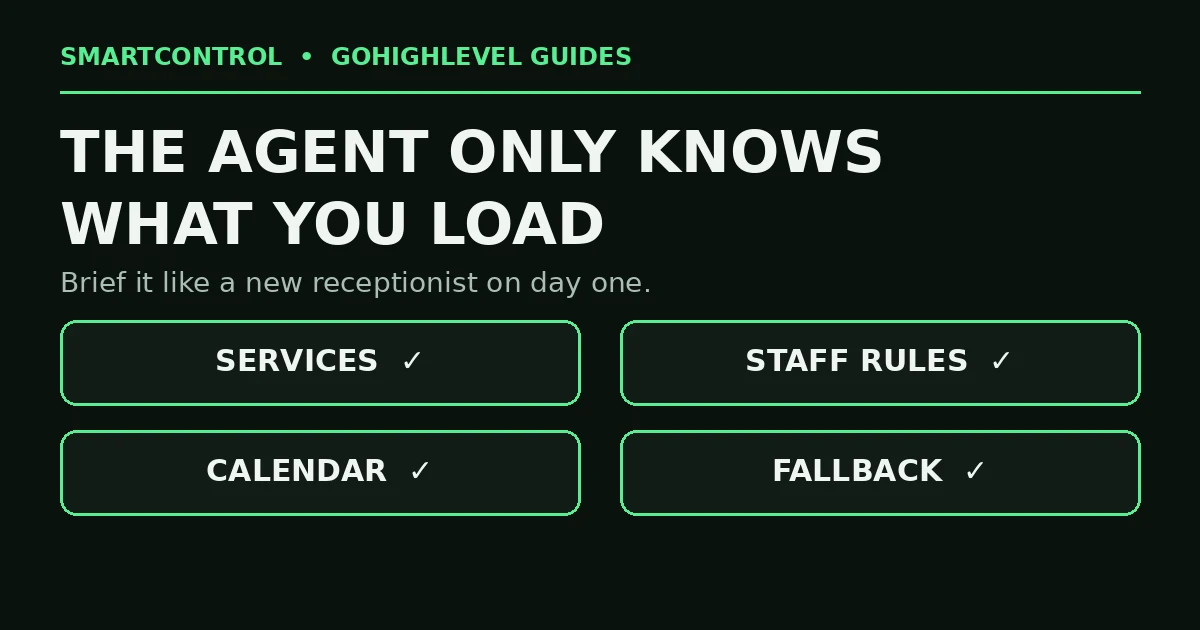
The agent only knows what you load into it — services, staff rules, calendar, fallback.
Mistake 5: No fallback when it gets stuck
Callers ask odd questions. A good receptionist says “let me get someone who can help” — a badly set-up AI guesses, loops, or ends the call. Give your agent an exit: a transfer to a real phone number for the questions it cannot handle, and a message path for the rest — capture the caller’s name and number, create the contact in your GoHighLevel CRM, and fire a GoHighLevel workflow that notifies your team to call back. A trapped caller hangs up and calls your competitor. A caller who hears a clean handoff stays yours.
Mistake 6: The hours do not match the business
Two versions of this one. The agent answers 24/7, but its calendar only books inside working hours — so night callers get a conversation and no appointment. Or the agent is set to office hours only, while the missed calls it was bought to catch happen at 7 pm. Decide the agent’s job first (full-time receptionist, after-hours cover, or overflow), then align three things to that job: the agent’s active hours, the calendar’s bookable hours, and what happens outside them — book the next day, or take a message with a promised callback window. GoHighLevel automation rewards one clear job per system; Voice AI is no different.
Mistake 7: Nobody ever test-called it like a customer
Every mistake above survives because setups get “finished” from the settings screen. Finish it from a phone instead. Call in and: ask for your most complex service, ask for a named staff member who is fully booked, ask a question the agent cannot know, and call once outside business hours. Listen to where it hesitates. Then update the knowledge and rules, and call again. And when your services, staff or prices change, update the agent the same week — an AI receptionist with last season’s menu is a confident liar on your phone line. This is the GoHighLevel tutorial nobody watches, and the only one that proves the system works.
GoHighLevel Voice AI receptionist: do it yourself, or get help?
Do it yourself for a single-location business with a short service list: fix the ring timing, connect the calendar, load the services — an afternoon of work, most of it test calls. Get help if you have several staff, several locations, or a phone line that carries your revenue: the services × staff × hours matrix needs designing once, properly, and then wiring into your pipelines and follow-up workflows so a booked call becomes a reminded, showing-up customer.
Book a GHL Strategy Call and tell us how your phones work today: https://smartcntrol.com/book-a-call — we will map the receptionist setup your call volume actually needs.
FAQ
How fast should a GoHighLevel Voice AI receptionist answer?
Within the first few rings — sooner is better. Callers abandon ringing phones fast; a widely shared setup post this week had the agent answering on ring six while callers left at ring four. Test with a real call and count.
Can Voice AI book a specific staff member for a specific service?
Yes — if you load the services and the routing rules. The agent books what it knows: service list, who provides each service, and what to do when that person is full. Without those rules, it guesses or takes a message.
Does Voice AI replace Missed Call Text Back?
No — they cover different moments. Voice AI answers the call live. Missed Call Text Back catches calls that still go unanswered. Many businesses run both, with one clear job each, so no caller falls through.
What information does the agent need to work well?
Your real business knowledge: services with durations, prices if you quote them, opening hours, address, and answers to the questions callers ask most. Its knowledge is only what you give it — specific in, specific out. Give a Voice AI receptionist thin knowledge and you get thin answers, confidently delivered.
What happens when a caller asks something the agent cannot handle?
That is set by you. Configure a transfer to a human number, or a message path that saves the caller’s details and alerts your team through a workflow. Never leave the agent with no exit — a stuck caller is a lost caller.
Keep learning: Missed Call Text Back Not Working in GoHighLevel? · GoHighLevel Calendar Setup: Booking Calendar That Works · Why Is My GoHighLevel Workflow Not Triggering?
SmartControl builds funnels, websites, pipelines, calendars, and automations in GoHighLevel for agencies and local businesses. Last updated: October 2026.
