
GoHighLevel Emails Going to Spam? 8 Fixes That Work
You send a campaign from GoHighLevel. The report says “delivered.” But your leads never see it — the email sits in their spam folder. This is one of the most common GoHighLevel problems posted in user groups every week, and it is rarely a GoHighLevel bug.
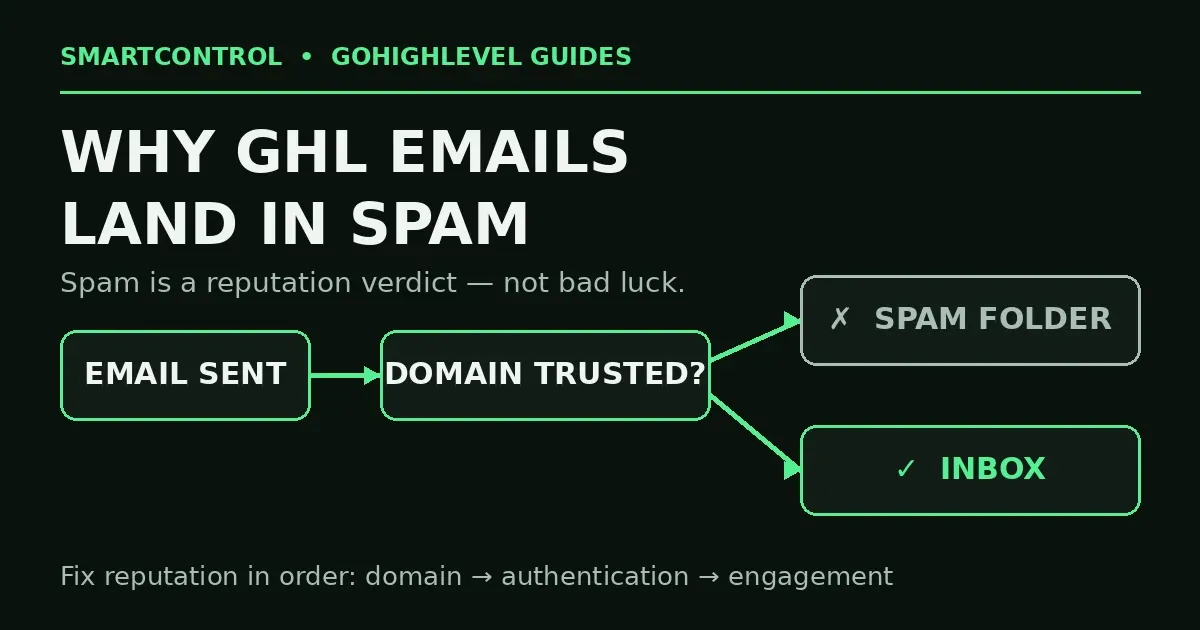
Here is the short answer: spam is a reputation verdict. Gmail and Outlook judge your sending domain, your authentication, and how people react to your mail. Fix those three things, in that order, and inbox placement comes back. The 8 fixes below follow that order — do them top to bottom, and test after each one.
In this post: the 8 fixes for GoHighLevel emails going to spam, in order:
- Fix 1: Dedicated sending domain
- Fix 2: SPF, DKIM, DMARC authentication
- Fix 3: No bulk mail from a free address
- Fix 4: Warm up the new domain
- Fix 5: Clean the list
- Fix 6: Watch spam complaints
- Fix 7: Test — read the headers
- Fix 8: Send to people who engage
- Do it yourself, or get help?
- FAQ
Fix 1: Send from a dedicated sending domain
If your emails go out through the shared default domain, you share a reputation with thousands of other senders. One bad sender near you hurts everyone on that domain. It is the fastest route to GoHighLevel emails going to spam.
Set up your own dedicated sending domain. In your GoHighLevel location, go to Settings → Email Services, open the dedicated domain setup, and register a sub-domain of your own domain — for example mg.yourdomain.com. Do not use your main root domain. A sub-domain keeps your main domain’s reputation safe while the sending domain builds its own. Every serious GoHighLevel email marketing setup starts here.
Fix 2: Authenticate — SPF, DKIM, DMARC must all pass
Authentication is the ID card your email carries. Without it, Gmail has no proof the email really came from you, and unproven mail goes to spam.
During the dedicated domain setup, Go High Level gives you DNS records to add at your domain host (Cloudflare, GoDaddy, Namecheap — wherever your DNS lives):
- SPF — lists which servers may send for your domain.
- DKIM — signs each email so the receiver can verify it was not changed.
- DMARC — tells receivers what to do when SPF or DKIM fail, and where to send reports.
Copy every record exactly as GHL shows it. One wrong character breaks the record. Then go back to Settings → Email Services and confirm the domain shows verified, with all records green, before you send anything. Google’s bulk sender rules now require SPF, DKIM and DMARC for high-volume senders — this step is not optional any more.
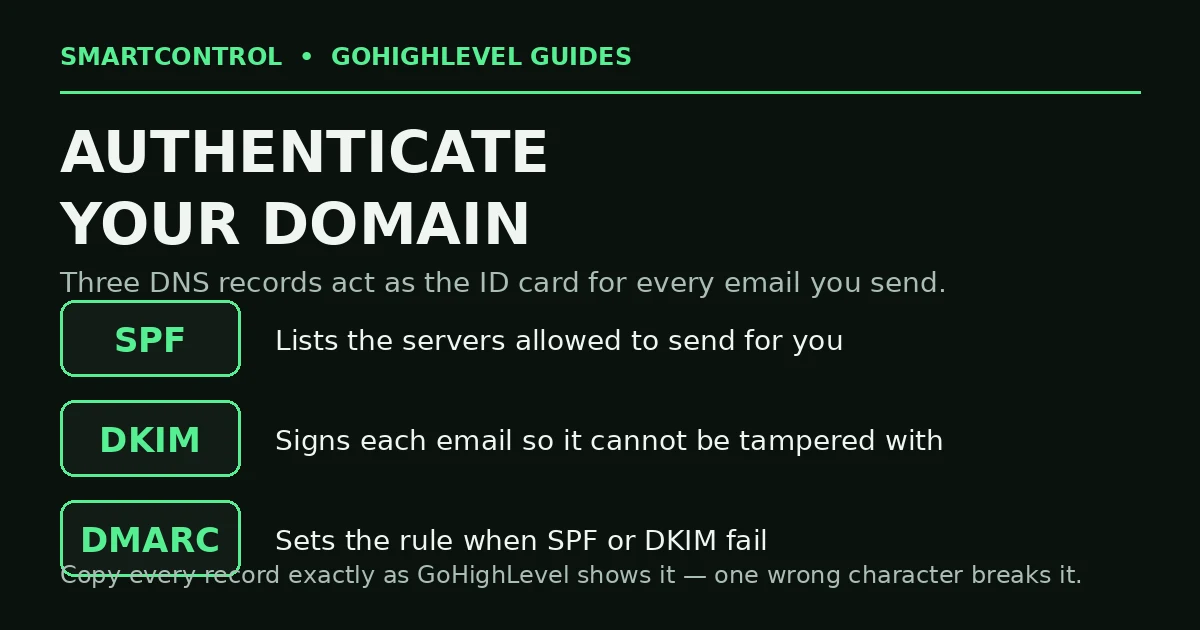
SPF, DKIM and DMARC are the ID your emails carry — all three must pass.
Fix 3: Never send bulk mail from a free address
If your From address ends in @gmail.com or @yahoo.com, your campaign starts with one strike against it. Free addresses are for personal mail. Bulk mail sent “from” a free address through any email marketing software looks forged to spam filters, because the authentication can never line up with the free domain. Always send from your own verified domain — the one you set up in Fix 1.
Fix 4: Warm up the new domain — do not blast on day one
A brand-new sending domain that sends 5,000 emails on day one looks exactly like a spammer to Gmail. Warm up instead: start with a small, engaged segment (people who opened or replied recently), then grow the volume step by step over 2 to 4 weeks. The same rule applies after any long silence. Most “my first campaign went to spam” stories are warm-up stories, not content stories. When someone reports GoHighLevel emails going to spam in week one, warm-up is the first place to look.
Fix 5: Clean the list — bounces burn reputation
Every hard bounce tells the receiver “this sender does not know their list.” Keep your total bounce rate under 2%. Before a big send:
- Remove addresses that hard-bounced before — your GoHighLevel CRM keeps the history on the contact.
- Never send to a bought or scraped list. Those addresses include spam traps, and one trap hit can tank a domain.
- Use an email validation pass on old lists before you import them back into a campaign.
A bought or scraped list is the other classic cause of GoHighLevel emails going to spam — the addresses were never yours to mail.
Fix 6: Watch spam complaints, not just opens
One spam complaint hurts more than a hundred unopens. Protect yourself:
- Put a clear unsubscribe link in every campaign email — hiding it pushes people to the spam button instead.
- Only email people who asked to hear from you. Consent is a deliverability setting, not just a legal one.
- Keep subject lines honest. ALL-CAPS shouts, fake “Re:” lines, and “FREE!!!” style claims are complaint bait.
Google’s published bulk-sender rules say to keep your spam rate in Postmaster Tools below 0.3% — treat that as the ceiling, not a target.
Fix 7: Test the right way — read the headers
Do not guess. Send a test email to your own Gmail address, open it, click the three dots, and choose Show original. Look at the authentication results at the top. You want to see:
SPF: PASSDKIM: PASSDMARC: PASS
If any line says FAIL or SOFTFAIL, the problem is in your DNS records, not your email copy — go back to Fix 2. Also add your domain to Google Postmaster Tools (free) and check your domain reputation there. It shows you exactly how Gmail rates you: high, medium, low, or bad. This is the check most GoHighLevel help threads skip, and it ends the guessing. If the headers pass and GoHighLevel emails are still going to spam, the cause is reputation — bounces, complaints and engagement — not setup.
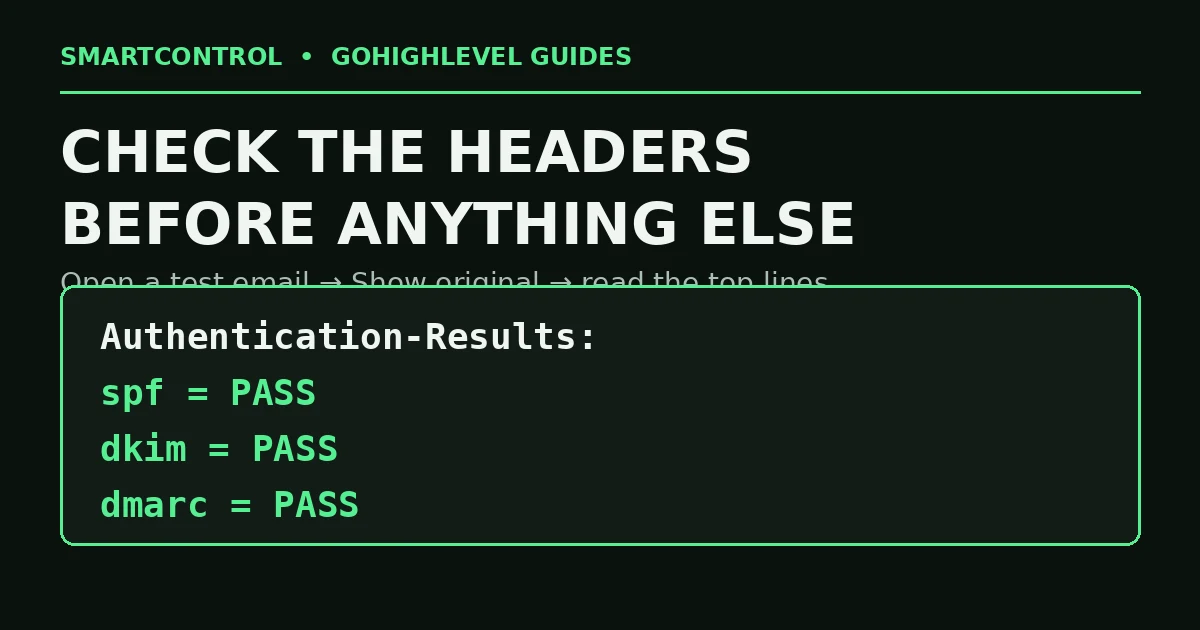
Your email headers tell the truth — check them before you change anything else.
Fix 8: Send to people who engage — and stop emailing the rest
Reputation is built on reactions. If most of your list never opens, Gmail reads that as “people do not want this mail.” Build a simple GoHighLevel workflow: tag contacts who open or click, and after 90 days of silence, move non-openers to a smaller re-engagement flow, then stop. A smaller list that engages beats a big list that ignores you — for deliverability and for sales. This is standard GoHighLevel automation hygiene, and it keeps your GoHighLevel workflows an asset instead of a spam risk.
GoHighLevel emails going to spam: do it yourself, or get help?
Do it yourself if you have one location and one domain: Fixes 1–3 take under an hour, and the header test tells you if they worked. Get help if you run several client sub-accounts, if a domain already shows “bad” reputation in Postmaster Tools, or if campaigns matter to revenue every week. A burned domain needs a clean rebuild — new sub-domain, correct records, and a real warm-up plan — not more test sends. Fix the domain before the next big send if GoHighLevel emails going to spam is already hurting live campaigns.
Book a GHL Strategy Call and bring your sending domain and one campaign report: https://smartcntrol.com/book-a-call — we will check your authentication live and tell you which fix your account actually needs.
FAQ
Why do my GoHighLevel emails go to spam even with a dedicated domain?
Usually the DNS records are wrong or incomplete, or the domain never warmed up. Run the header test in Fix 7: if SPF, DKIM and DMARC all pass, look at bounces, complaints and engagement next.
How long does it take to warm up a new sending domain?
Plan on 2 to 4 weeks of rising volume, starting with your most engaged contacts. There is no honest shortcut — a volume spike is what triggers spam placement.
Should I send from my main company domain?
No. Send from a sub-domain of it (like mg.yourdomain.com). If the sending domain’s reputation dips, your main domain — and your team’s normal email — stays clean.
What bounce rate is safe in GoHighLevel?
Keep total bounces under 2%, and hard bounces as close to zero as you can. Above that, receivers start treating your domain as careless, and spam placement follows. That is when GoHighLevel emails going to spam becomes your normal state.
Does DMARC set to “none” do anything?
Yes. A DMARC record at p=none still proves you publish a policy and lets you receive reports. It is the required first step; you can tighten it later once everything passes.
Keep learning: Why Is My GoHighLevel Workflow Not Triggering? · How to Add Custom Code in GoHighLevel · GoHighLevel Custom Fields vs. Custom Values
SmartControl builds funnels, websites, pipelines, calendars, and automations in GoHighLevel for agencies and local businesses. Last updated: October 2026.
