
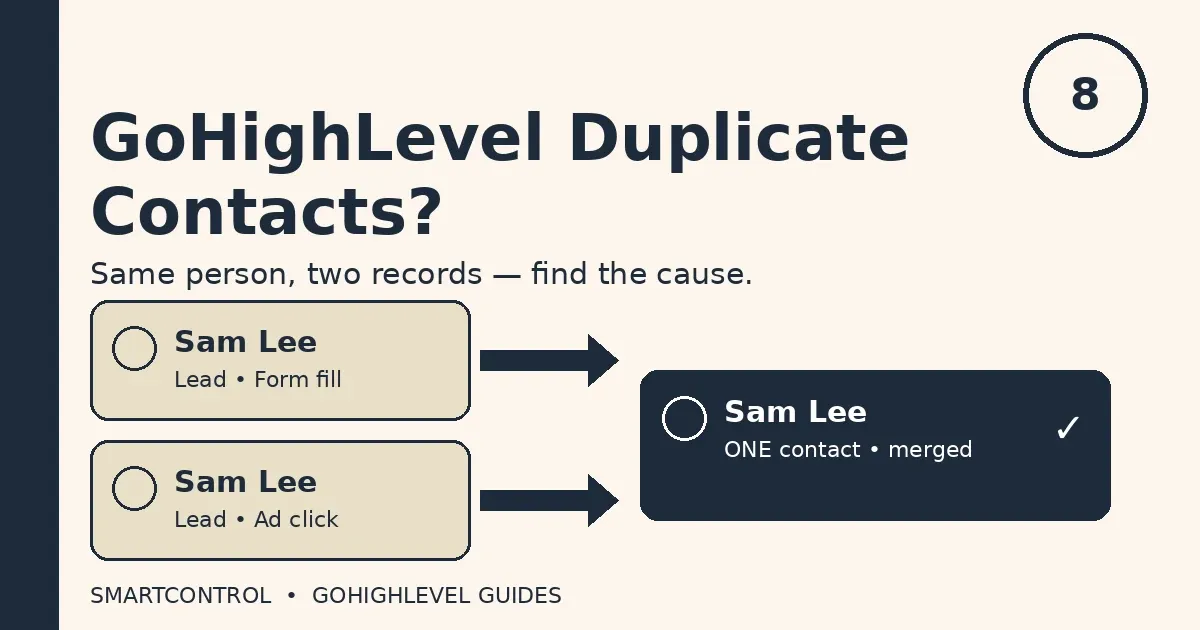
GoHighLevel Duplicate Contacts? 6 Causes and Fixes
You open Contacts and the same person is there twice. Same name. Same face. Two records. One got the welcome text. The other got the sales call. Neither record tells the full story, and your follow-up splits across both. That is the daily cost of GoHighLevel duplicate contacts.
Duplicate contacts in GoHighLevel do not appear out of nowhere. Something creates the second record: a workflow that fires twice, a webhook that arrives twice, or an integration that never checks first. Fix the cause and the duplicates stop.
Answer box: GoHighLevel duplicate contacts happen when two entry points create a record for the same person without matching on email or phone. The three most common causes are overlapping workflow triggers, duplicate webhook events, and integrations that create new contacts instead of updating existing ones. Merge what you have, then fix the entry point that created them.
In this post:
- 6 causes of GoHighLevel duplicate contacts
- How to merge duplicate contacts
- How to stop duplicate contacts coming back
- Fix-it-today checklist
- Frequently asked questions
6 causes of GoHighLevel duplicate contacts
1. Overlapping workflow triggers
Two workflows watch the same event. A form is submitted, and both workflows fire. Each one runs a “create contact” step, and the result is GoHighLevel duplicate contacts from a single form fill.
This is the most common cause — and the hardest to spot, because both workflows look correct on their own. Open Automations, then Workflows, and list every workflow triggered by the same form. If two can fire on one submission, one owns that event and the other should not create contacts. Our post on workflows that never fire walks through the same trigger audit: GoHighLevel Workflow Not Triggering? 9 Checks in Order.
2. Duplicate webhook events
A webhook is a message from another tool that says “something happened.” Sometimes the same message arrives twice: the sending tool retries after a slow response, or two webhooks point at the same workflow. The workflow runs twice, and the second run creates a second record.
Check the execution history for the same contact entering twice within seconds — pairs of runs with the same timestamp mean the webhook is the suspect. Fix it at the source: one webhook per event, plus a step that checks for an existing contact before creating a new one. Duplicate webhooks are a quiet source of GoHighLevel duplicate contacts, because nothing looks broken until you compare the timestamps.
3. Integrations creating new contacts instead of matching
This is the integration version of the same mistake. A form tool, an ad platform, or a booking tool sends a new lead into GoHighLevel, and the integration is set to “create contact” every time. It never asks whether a contact with that email or phone already exists, so every repeat submission becomes a new record.
Fix it in the integration’s mapping: use “create or update” where the tool offers it, with email and phone as the match fields. If the tool only offers “create,” add a workflow step that finds the existing contact first.
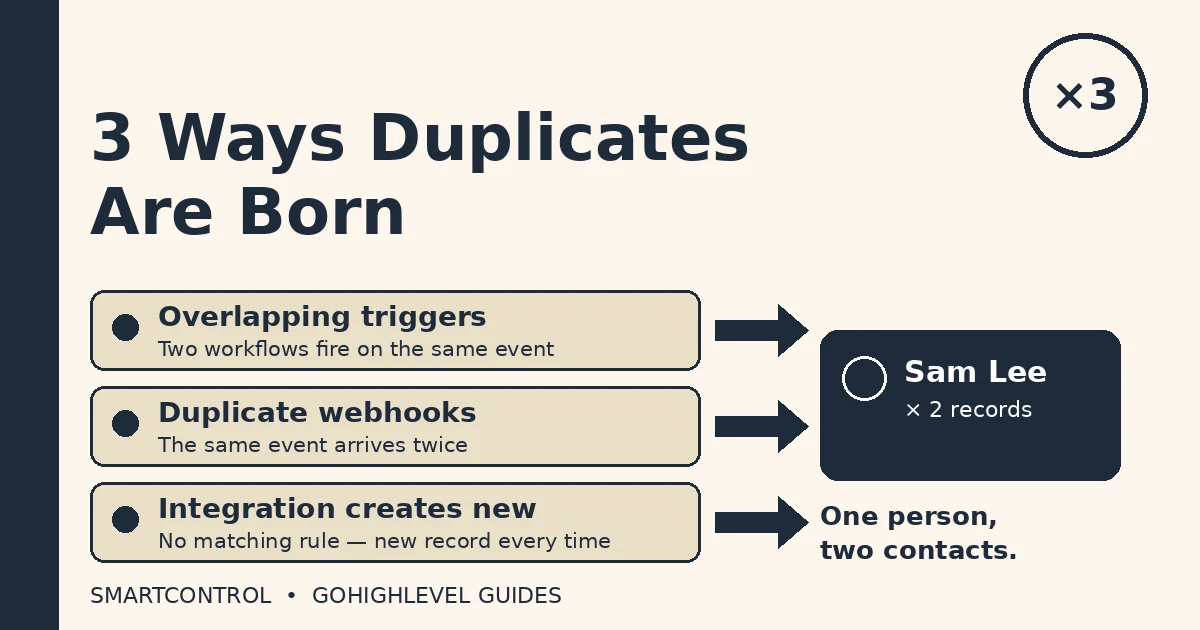
Three ways GoHighLevel duplicate contacts are born: overlapping triggers, duplicate webhooks, and integrations that create instead of matching.
4. Forms that never ask for a match field
A form that only asks for a first name cannot match anyone. Neither can a form where email and phone are optional and the visitor skips both. GoHighLevel matches people on email and phone, so a submission without either one can only become a new record.
Make email or phone required on every form that creates contacts — one small change that removes a whole class of GoHighLevel duplicate contacts at the front door.
5. The same person, typed twice by hand
A team member adds “Sam Lee” with a mobile number. Another adds “Sam Lee” with an office number and a different email spelling. To the system these are two different people, because neither the email nor the phone matches.
Set one team rule: search before you add. Ten seconds in Contacts saves a merge later.
6. Deduplication preferences never set
Under Settings, then Business Profile, then Contact Deduplication Preferences, you choose which fields the system uses to match: email, phone, or both. Many accounts never open this screen, so the system runs on defaults while forms and integrations pour in records it was never told how to match.
Open that screen once and set it on purpose: email and phone together. It will not fix the duplicates you already have, but it stops the next wave.
How to merge duplicate contacts
Merging is the cleanup step, and GoHighLevel gives you two ways to do it.
Merge by hand, from Contacts. Open Contacts, then Smart Lists, and select the records to combine — up to 10 at once. Choose the merge action, pick the master record, review which fields carry over, type CONFIRM, and click Resolve.
Merge automatically, with the Merge Contact workflow action. HighLevel now ships a dedicated Merge Contact action for workflows. Add it to a workflow, choose how duplicates are identified — email, phone number, or both — and the action merges matches on its own when the workflow runs. The older record is always kept, the newer duplicate folds into it, and every merge is logged in the execution logs with the matching criteria used. That log matters: it tells you which entry point created the duplicate. Read HighLevel’s own announcement of the action here: Merge Contact action.
For both methods, keep the fuller record — the one with the most conversations and appointments.
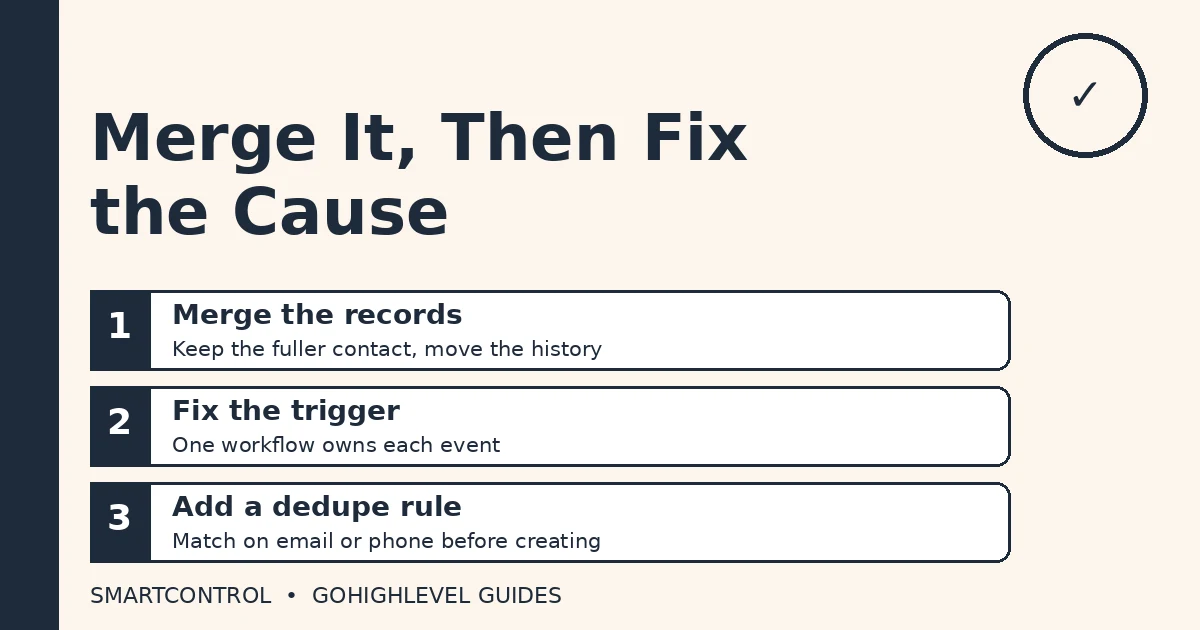
Merge the records first, then fix the trigger, then add a dedupe rule so it does not happen again.
How to stop duplicate contacts coming back
Merging without fixing the cause is mopping with the tap running. Work through this list once, and GoHighLevel duplicate contacts mostly stop appearing.
- One workflow owns each event. If two workflows trigger on the same form, move contact creation into one of them and remove it from the other.
- Check before you create. Every webhook-fed workflow should look for an existing contact by email or phone before it creates a new one.
- Set integrations to create-or-update. Wherever the tool offers it, match on email and phone, never blindly create.
- Require email or phone on forms. No match field, no match. This one change kills a whole category of duplicates.
- Set your deduplication preferences. Settings, then Business Profile, then Contact Deduplication Preferences. Choose email and phone, and save it.
- Scan once a month. Sort Contacts by date created and check the newest entries for repeated names.
One more thing: custom fields and custom values are where most teams store match data, and mixing them up breaks matching rules quietly. Our pillar post explains the difference: GoHighLevel Custom Fields vs Custom Values.
Fix-it-today checklist
| If you see this | Do this first |
|---|---|
| Same person, two records, same form | Audit workflows on that form — one owner per event |
| Pairs of runs seconds apart | Check for duplicate webhooks at the source |
| New record on every repeat order | Switch the integration to create-or-update |
| Records with no email or phone | Make a match field required on the form |
| Duplicates from manual entry | Search before adding — team rule, same day |
| Duplicates keep appearing | Set Contact Deduplication Preferences to email and phone |
Frequently asked questions
Why do GoHighLevel duplicate contacts keep appearing after I merge them?
Because merging cleans the past, not the cause. If the workflow, webhook, or integration that created the duplicate is still running, it will create the next one the same way.
Does merging delete the other record’s history?
No — the master record keeps the history.
Can GoHighLevel merge duplicates automatically?
Yes. The Merge Contact workflow action matches on email, phone, or both, keeps the older record, and logs every merge.
What is the best match field for deduplication?
Email and phone together. Either one alone still lets a second record through.
Do calendar bookings create duplicate contacts?
They can, when the booking form does not require a match field or when a booking workflow creates a contact without checking first. Our calendar setup post covers the booking side: GoHighLevel Calendar Setup: Booking Calendar That Works.
The short version
Duplicate contacts are a symptom, not a mystery. Something creates the second record — almost always a trigger, a webhook, or an integration that never checks first. Merge what you have, fix the entry point, and set your matching rules on purpose.
If duplicates are already tangled through your workflows and you want them cleaned up properly, book a free GoHighLevel strategy call and we will untangle it with you.
