
GoHighLevel SMS Verification: 6 Fixes for Bad Phone Numbers
A lead fills in your form, you call the number, and it is wrong — missing a digit, or someone else’s. The lead is gone. Jem Donayre showed this last week: leads arriving with missing, incorrect, or incomplete phone numbers, making follow-up impossible. The fix sits in the form: GoHighLevel SMS Verification proves the lead can receive a text at the number they typed, before it reaches your list.
In short: GoHighLevel SMS Verification adds a code check to the Phone field. The lead types their number, taps Verify Phone, gets an OTP code by text, and enters it. The submission then shows Phone Verified, so you know which numbers to chase first. Two facts matter: your location phone number must be set up first, and the code texts are charged, not free.
In this post:
- Why GoHighLevel SMS Verification fixes bad phone numbers
- 6 fixes for bad phone numbers
- What goes wrong
- Frequently asked questions
Why GoHighLevel SMS Verification fixes bad phone numbers
A form takes whatever is typed. It cannot tell a wrong digit from a right one, or whether the number belongs to the person typing it. Every follow-up — the call, the text, the booking reminder — depends on a number nobody verified. One wrong digit turns a warm lead into a dead end, found out only after you spent the call.
GoHighLevel SMS Verification closes that gap at the source. The lead enters their number and taps Verify Phone; HighLevel sends an OTP code, and the lead enters it to complete verification. Receiving the code proves access to the number. The result sits in the submission under Phone Verified, so your team sees who proved their number.
This is not a spam filter or a format check. A format check catches too few digits. GoHighLevel SMS Verification catches a number that looks right but belongs to nobody — or to someone who never asked to be contacted.
6 fixes for bad phone numbers
Fix 1: Switch on Validate Phone on the Phone field
Here is how to switch it on. Go to Sites, then Forms or Surveys, open the form in the builder, and add a Phone field if it does not have one. Select the field, scroll down, and enable Validate Phone. Then preview, save, and integrate. That is all GoHighLevel SMS Verification needs — one toggle, not a workflow or a separate app. Do it on every form that collects a number, starting with the one feeding your sales pipeline.
Fix 2: Set up the location phone number first
Before the toggle works, your location needs a phone number in its settings — HighLevel’s doc says one must be configured for the sub-account first. The code has to come from somewhere, and that somewhere is your number. If no codes arrive, check this first — not the form, not the lead’s phone. Set it, save it, test with your own number before any lead sees the form.
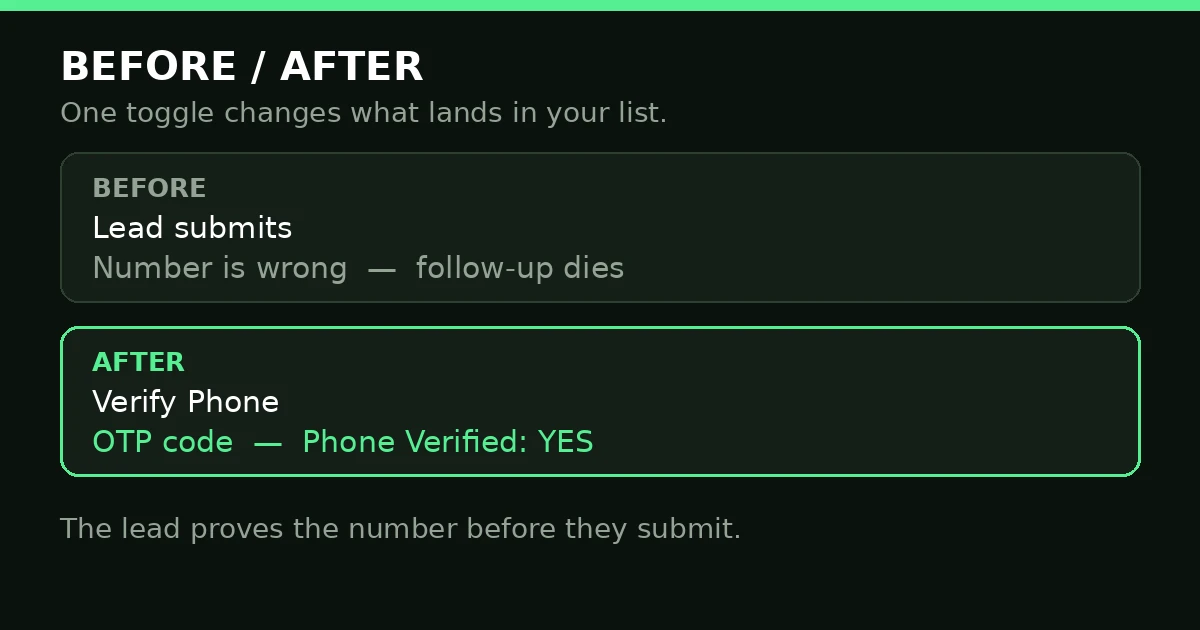
One toggle: the number is proved before it reaches your list.
Fix 3: Tell the lead what happens
A verification step only works if the lead completes it. Put one line next to the Phone field: “We will text you a code to confirm this number.” A lead who expects the code enters it. One who does not thinks the form is broken, or the code is spam, and closes the page.
Fix 4: Read the Phone Verified field before you chase
Verification only helps if someone looks at the result. Open the submission data and check Phone Verified. With GoHighLevel SMS Verification on, chase verified numbers first — those leads proved they can receive your texts. For the unverified ones, do not delete them. An unverified number is not a fake number; it is a number the lead did not finish verifying. Email them, or call once and ask them to confirm it. Deleting them throws away real people — the doc says only that an unverified number is not marked as verified, nothing more.
Fix 5: When the code never arrives, check these in order
Google’s suggestions show the top complaint: the code not arriving — “code not received”, “not working”, “failed”, “keeps failing”. Check in this order. First, the number: wrong format, missing country code, or a landline that cannot receive texts. Second, your location number from Fix 2 — if it is not set up, no code goes out. Third, your messaging setup: the sending number must send SMS, and your messaging credits must cover the code texts, because they are charged. Fourth, the lead’s phone: spam filters swallow codes, so ask them to check spam and unblock the sender, then resend. Test GoHighLevel SMS Verification with your own number first: if yours arrives and theirs does not, the problem is on their side; if yours fails too, fix your setup before the form goes live.
Fix 6: Do not claim verification blocks the form
Here is the honest limit. HighLevel’s doc does not say the form blocks a lead who skips verification — only that their number will not be marked as verified. A lead can still submit unverified. So build follow-up around the field: verified numbers get the call and text first, unverified ones get the email route and one manual check. Never promise verification guarantees a real person — it proves access to a number, not identity.
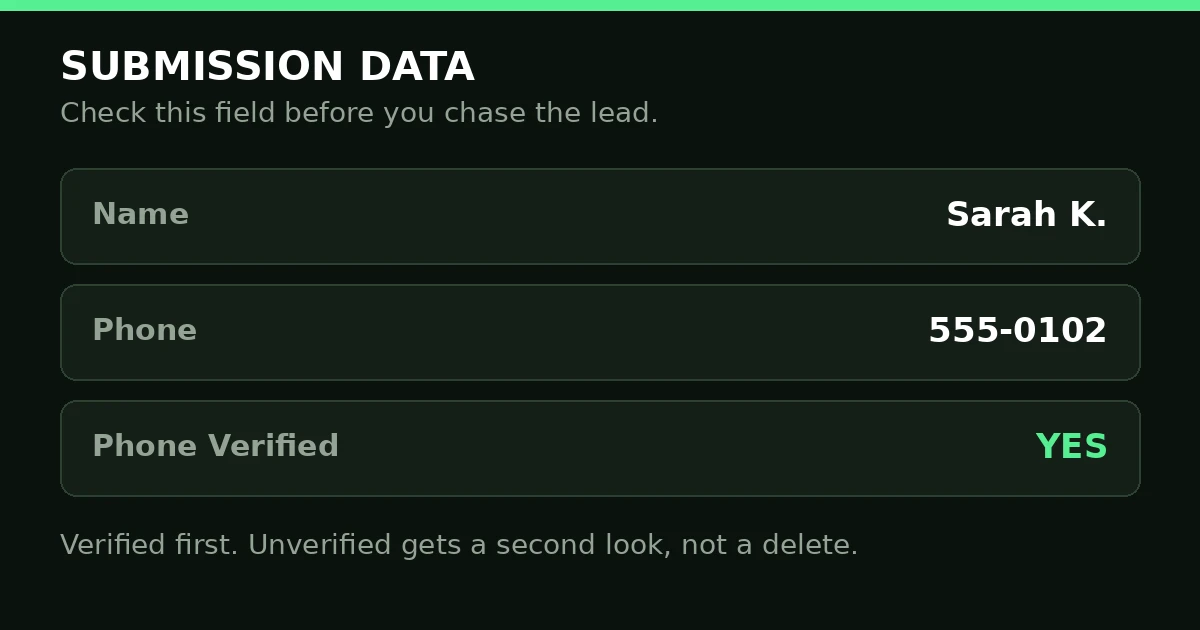
Verified first. Unverified gets a second look, not a delete.
What goes wrong
| What you see | What is wrong | The fix |
|---|---|---|
| Wrong or missing numbers | No check on the Phone field | Switch on Validate Phone |
| No codes arrive at all | No location number set up | Set up the location number, then test |
| Leads quit at the code step | They did not expect a code | Add one line by the field explaining it |
| You chase numbers that never answer | Nobody reads Phone Verified | Chase verified first; email the rest |
| The code keeps failing for one lead | Wrong format, landline, or spam filter | Check the number, resend, check spam |
| You assume unverified means fake | The doc only says “not marked as verified” | Treat it as unproven, not fake |
Bad numbers hurt more than one form. The bot that books your appointments needs a number it can reach, and the SMS reminders that protect your calendar need one too — see our Conversation AI post and our SMS delivery post. The form is the cheapest place to fix a bad number, because every step after it costs more.
Frequently asked questions
How do I enable SMS verification?
Go to Sites, then Forms or Surveys, and open the form in the builder. Add a Phone field if there is not one, select it, and switch on Validate Phone. Then preview, save, and integrate. First, make sure a phone number is set up in your location settings. Test GoHighLevel SMS Verification with your own number before any lead sees the form.
How much does GoHighLevel charge for SMS?
HighLevel’s doc says the code texts are subject to SMS messaging charges — they are not free. No price is given here either, because the charge depends on your plan and location setup. Check your balance and credits first: a form sending codes you cannot pay for stops verifying leads without telling you why.
Does GoHighLevel have SMS?
Yes. GoHighLevel sends SMS from your location’s phone number, and GoHighLevel SMS Verification is one use of it: the code text that proves the lead’s number. If texts fail after the lead is in your list, that is a different problem — see our SMS delivery post.
What if the code never arrives?
Check the number format first, then your location number, then your messaging credits. Ask the lead to check spam and unblock the sender, then resend. Test with your own number: if yours arrives and theirs does not, the problem is on their side. If yours fails too, fix your setup before the form goes live.
Does verification stop the form being submitted?
No. HighLevel’s doc does not say the form blocks a lead who skips verification — only that their number will not be marked as verified. The submission still lands. That is why Phone Verified matters: it tells you which numbers to trust first.
A bad phone number is the cheapest lead to lose and the most expensive to chase. Switch on Validate Phone, set up the location number, tell the lead about the code, and read Phone Verified before you chase. If you would rather start from a ready-made setup, see the GoHighLevel snapshots at Markiva Digital on Etsy — forms, funnels, and follow-up, already built.
