
GoHighLevel Conversation AI: 6 Fixes for Post-Booking Texts
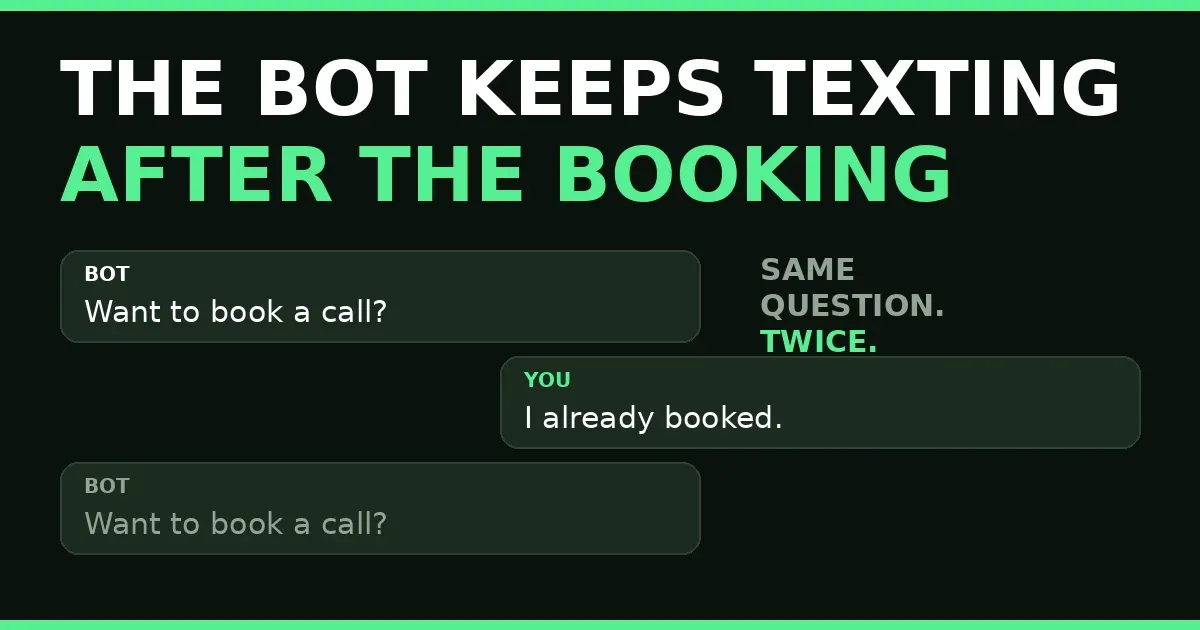
Your customer books the call, says so in the chat, and the bot asks if they want to book a call. Again. That is the moment a helpful GoHighLevel Conversation AI turns into an annoyance. Booking does not end the conversation by itself: nothing tells the bot the goal is met, so it keeps doing the one job it was given — asking for the booking.
In short: GoHighLevel Conversation AI keeps texting after booking when its stop is never switched on. Two checkboxes fix most cases: pause bot responses after booking, and trigger a workflow after booking so confirmations still go out. Then give workflows their own stop, set the sleep duration, and test before a real client meets the bot.
In this post:
- Why GoHighLevel Conversation AI keeps texting after booking
- 6 fixes that stop the texts
- What goes wrong
- Frequently asked questions
Why GoHighLevel Conversation AI keeps texting after booking
A GoHighLevel Conversation AI bot is built around a goal: in the Appointment Booking goal, getting the appointment booked. The bot asks, answers, and offers times — all aimed at one outcome. When it happens, the bot needs an instruction that says “done, stop.” Without it, the conversation continues and the bot falls back to asking for the booking again.
ScaleUp Systems showed it this week: a simulated chat where the booking question keeps popping up after the customer said “I already booked.” The same day, Moses Aderibigbe described the workflow version: an automation that keeps prompting a customer to book after they booked — no stopping condition. Same missing piece.
The stop exists. Under Advanced Options in the Appointment Booking goal, HighLevel lists “Pause bot response after booking” and “Trigger workflows after booking” side by side. Both are off until someone switches them on. That is why so many accounts have the problem: the bot was set up to book, the booking works, and nobody opened Advanced Options.
One honest warning: some users report the pause does not always hold — the bot still replies after a booking with it on. Treat the checkbox as the first fix, not the only one. Fix 6 tests whether it holds in your account, and gives the backup stop when it does not.
6 fixes that stop the texts
Fix 1: Pause bot responses after booking
Here is how to use the two checkboxes. Open AI Agents, then Conversation AI, then Bot Goals, and open the Appointment Booking goal. Go to Advanced Options and switch on “Pause bot responses after booking.” Once booked, the bot stops replying and a human takes over. Save — the next fix keeps confirmations going while it sleeps.
Fix 2: Trigger a workflow after booking
In the same list, switch on “Trigger workflows after booking” and pick the conversation ai workflow that should run. This is how GoHighLevel Conversation AI hands confirmations to the workflow while the bot sleeps. In the AI booking bot action, “Don’t let the bot send confirmation message” hands the confirmation to the workflow alone.
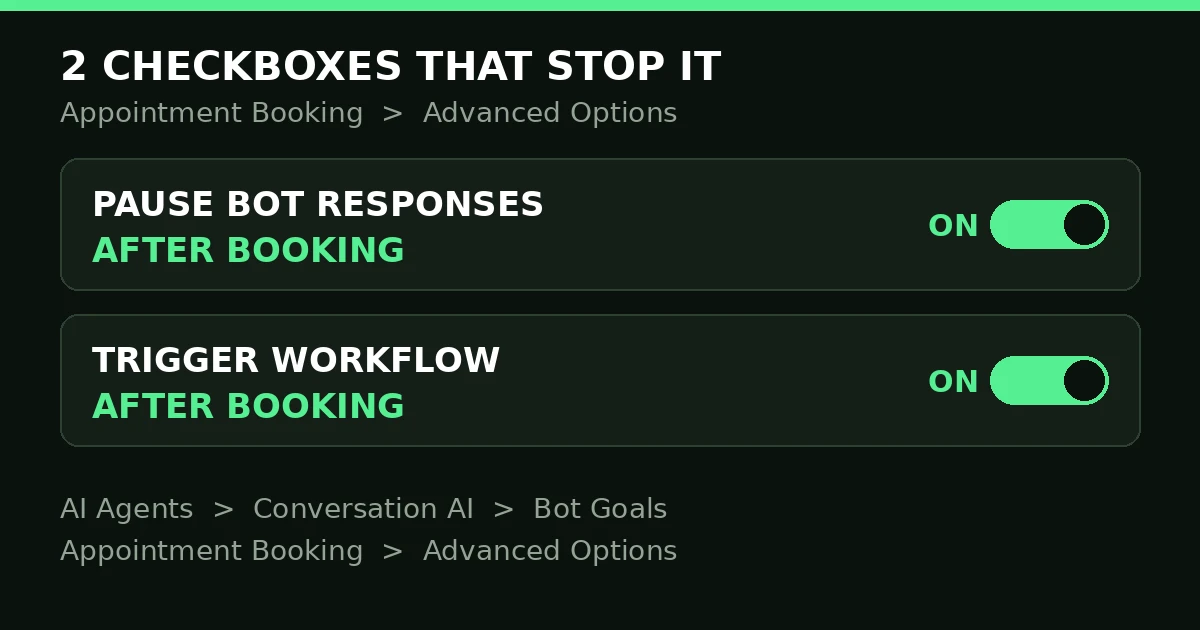
Two checkboxes, one goal: the bot sleeps, the workflow talks.
Fix 3: Set how long the bot sleeps
“Put the Bot to Sleep” sets how long the bot stays inactive after a booking — the pause is not forever. Cover the window where follow-up messages would do damage: at least until the appointment happens. A sleep that ends too soon wakes the bot mid-conversation and it asks about booking again.
Fix 4: Give the workflow its own stop
Follow-up workflows chase bookings too, and they need the same stop. Add an If/Else check on appointment status before each message: booked means end the workflow. The booking-bot action already builds three branches — Timeout, Appointment Was Booked, Appointment Was Not Booked. Put confirmations under the booked branch and chase messages under the last. Same discipline as our workflow triggers post.
Fix 5: Stop the sequence when the goal is met
Check every sequence that mentions booking: nurture emails, the SMS chase, the missed-call follow-up. Each needs an exit for booked contacts. The cleanest exit is an enrollment filter or goal that removes the contact on booking. The quick check is “Stop on Response”: a reply stops the next chase. Neither replaces the other — the filter stops it starting, Stop on Response stops it mid-sequence. A sequence with neither door texts “ready to book?” to a person in your calendar.
Fix 6: Test it, and keep a backup stop
Test GoHighLevel Conversation AI with a test booking, then message it again. The right result: silence from the bot, plus the workflow’s confirmation. If the bot asks about booking again, the pause is not working in your account. The backup is the “send bot to sleep when I send a message manually or through a workflow” setting, which other users report holds when the booking pause does not — plus “Transfer employee post appointment booking,” which hands the conversation to a person. Use whichever holds, and re-test after every prompt or goal change.
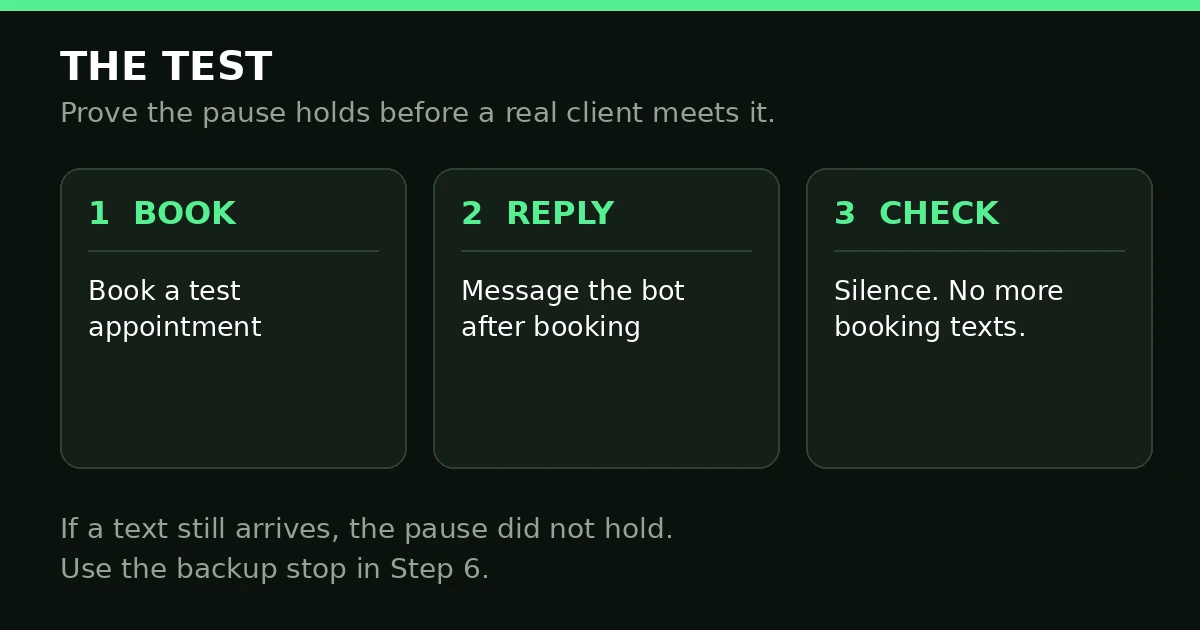
Book, reply, check: silence is the pass mark.
What goes wrong
| What you see | What is wrong | The fix |
|---|---|---|
| The bot asks for a booking after the booking | The pause checkbox is off | Switch on “Pause bot responses after booking” |
| Two confirmations after one booking | Both the bot and the workflow confirm | Hand confirmations to the workflow alone |
| The bot wakes up and asks again days later | The sleep duration is too short | Lengthen the sleep past the appointment |
| Follow-up texts chase booked contacts | The workflow has no stop for booked contacts | If/Else on appointment status; use the Appointment Was Booked branch |
| The pause is on but the bot still replies | The pause does not hold in this account | Use the backup sleep setting or transfer; re-test |
| The bot answers booking questions badly | The prompt has no booking details | Put booking details in the prompt, not only the calendar |
Voice AI shares this failure mode. The mistakes differ, but the test is the same — see our Voice AI receptionist post if voice is also in your account. A GoHighLevel Conversation AI that will not stop is a setup problem, not a reason to switch the bot off. It books well; it just needs to be told when to stop.
Frequently asked questions
Does GoHighLevel have chatbots?
Yes. GoHighLevel’s chatbot is Conversation AI — an AI agent that answers chats, SMS, WhatsApp, Facebook, and Instagram, and books appointments from the conversation. It lives under AI Agents, in Bot Goals, where each goal has its own prompt, calendars, and Advanced Options. It works as an appointment setter on every channel, including as a WhatsApp chatbot.
How do I stop GoHighLevel Conversation AI after booking?
GoHighLevel Conversation AI stops after booking when you switch on “Pause bot responses after booking” in the Appointment Booking goal’s Advanced Options, set the sleep duration, and switch on “Trigger workflows after booking” for confirmations. Then check follow-up workflows for their own stop, and test with a test booking. The checkbox alone is the start — the workflow stop and the test make it hold.
Why does the bot still reply when the pause is on?
Some users report exactly this: pause on, bot still replies. If your test shows the same, do not keep re-toggling the checkbox. Use the backup: the “send bot to sleep” setting, or “Transfer employee post appointment booking,” which hands the conversation to a person. Whichever holds in your test is the one to keep.
Does pausing the bot stop confirmations and reminders?
No — if the workflow trigger is on. The pause stops bot responses; the triggered workflow sends the confirmation, reminders, and follow-up. The bot sleeps, the workflow talks. Pause the bot without a workflow and the customer gets silence instead of a confirmation — worse than the extra text you tried to stop.
Can the bot cancel or reschedule appointments?
Yes, when those options are on: “Allow bot to cancel the appointment” and “Allow bot to reschedule the appointment.” Switch them on only after testing both — a bot that cancels wrongly is worse than one that asks twice. Test them the same way: book, ask, check.
A bot that will not stop talking costs the trust of a customer who already said yes. Switch the pause on, hand confirmations to the workflow, give every sequence its exit, prove it with a test booking. If the setup is more than your team has time for, book a free GoHighLevel strategy call — we build GoHighLevel Conversation AI setups for agencies and their clients every week.
