
GoHighLevel No Show Recovery: 6 Steps
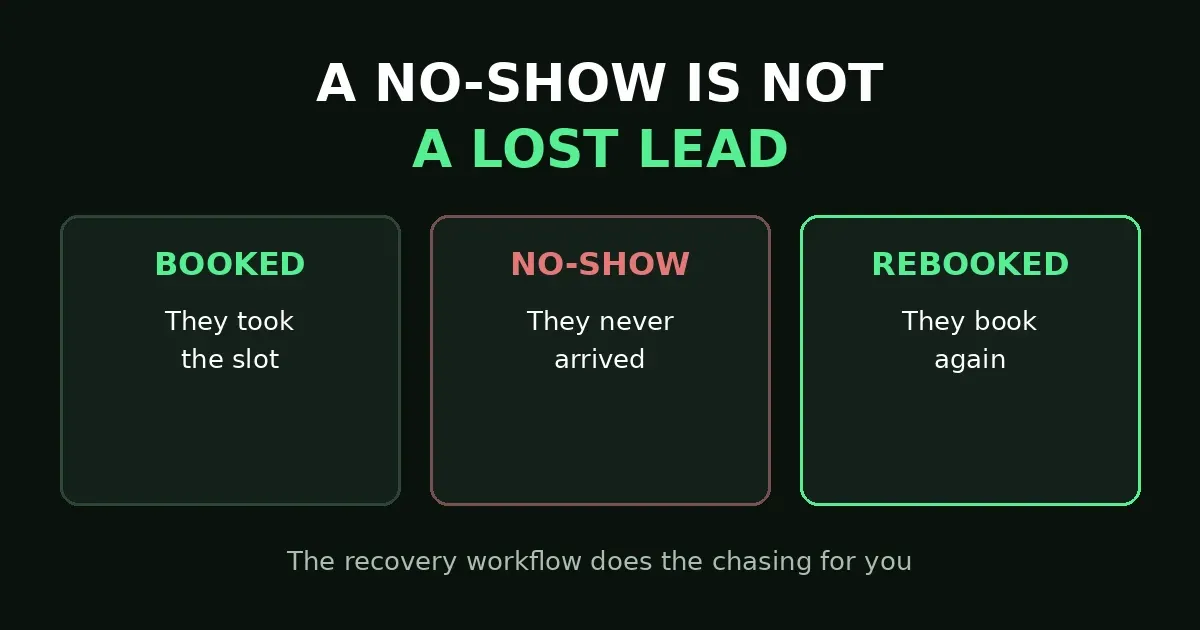
The appointment time came and went. The chair stayed empty, the call never joined, and the slot is gone. Most teams do the same thing next: nothing. They move on, and that silence is the real loss — not the missed meeting, but the follow-up that never happened. GoHighLevel no show recovery fixes exactly that gap: one workflow that chases the missed booking for you, kindly and automatically.
In short: when someone does not show, your team marks the appointment as No-show — and GoHighLevel no show recovery takes over from there. The workflow waits about 15 minutes, sends a friendly SMS with a rebook link, waits a day, and if they have not rebooked, sends one more nudge. Then it tags the contact, so you know who recovered and who needs a personal call. Build it once, and no missed appointment ends in silence again.
In this post:
- Why GoHighLevel no show recovery fails without a workflow
- 6 steps that recover the booking
- Symptom-to-fix table
- Frequently asked questions
Why GoHighLevel no show recovery fails without a workflow
A no-show feels small in the moment — one empty slot, one quiet calendar. But the damage is not the hour, it is what happens after. The lead leaves feeling awkward, nobody texts them, and by the time anyone follows up days later, they have booked elsewhere or moved on. Busy staff never get to the manual follow-up.
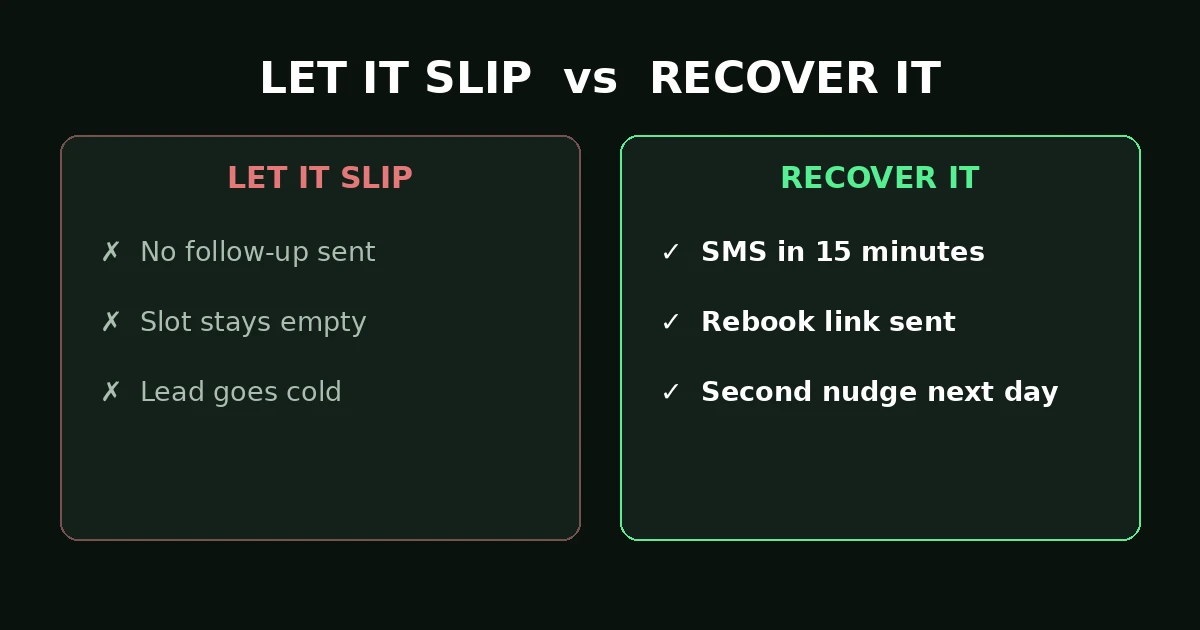
Let it slip, and the slot stays empty and the lead goes cold. Recover it: a text in 15 minutes, a rebook link, and a second nudge next day.
This is where GoHighLevel no show recovery earns its place, and it differs from reminders. Reminders try to stop the no-show before it happens — see our earlier post on appointment reminders not sending. Recovery starts after the miss: the meeting is missed, the status is marked, and now you win the booking back. A business with only reminders still leaks every booking that slips through.
The whole system depends on one human habit teams most often skip: when someone does not show, mark the appointment as No-show in the calendar. Ten seconds of work. Everything after that is automatic — but only if the status is marked, because the workflow triggers on that status change and nothing else. No mark, no trigger, no recovery. Make marking part of closing the day’s calendar, and GoHighLevel no show recovery takes care of the rest.
6 steps that recover the booking
Build this as one workflow. Each step below maps to one trigger, wait, action, or branch.
Step 1: Trigger on Appointment Status = No-show
Create a new workflow and set the trigger to Appointment Status, with a filter for your calendar and the status filter set to No-show. HighLevel’s trigger documentation lists No-show among the statuses you can filter on, alongside New, Confirmed, Cancelled, and Showed. With more than one calendar, add each one, or build one workflow per calendar so the rebook link matches. Keep enrollment to the contact only. This trigger is the heart of GoHighLevel no show recovery.
Step 2: Wait 15 minutes before you text
Add a Wait action of about 15 minutes right after the trigger. Texting the second the appointment time passes feels robotic, and the person might still be stuck in traffic or on another call. Fifteen minutes is long enough that they are not still sprinting to make it, and short enough that the miss is fresh. Do not wait hours — the longer the gap, the colder the lead.
Step 3: Send the rebook SMS
Send a short, kind SMS with the rebook link. This message is the core of GoHighLevel no show recovery: say you missed them, say it is no problem, and give them one clear way to pick a new time. Something like: “Hi Sarah, we missed you today — no worries at all. Grab a new time here: [booking link]. Or just reply and I’ll find one for you.” One link, one ask, no guilt trip. A message that scolds the lead will not win the booking back.
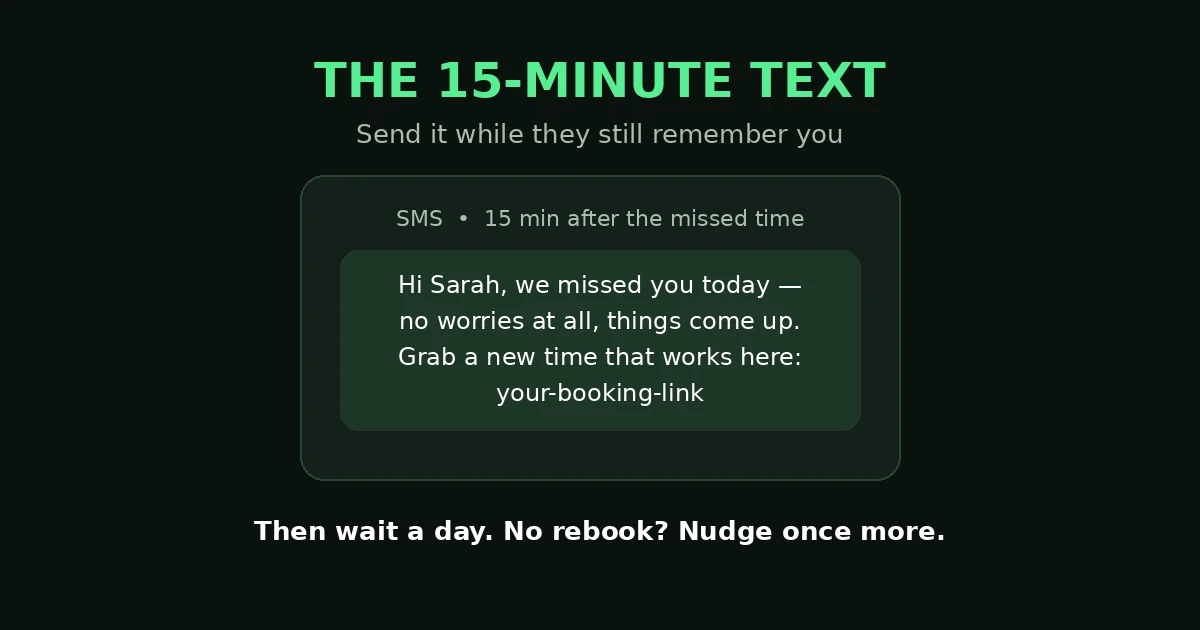
The 15-minute text: short, kind, one rebook link. Then wait a day — no rebook means one more nudge.
Step 4: Tag the contact for recovery tracking
Add a tag such as “no-show recovery” to the contact. The tag lets you report later: how many no-shows you had, how many rebooked, and who still needs a personal call. Without it, your recovery results are invisible — and you lose the list of recovered contacts for later follow-up.
Step 5: Wait a day, then check if they rebooked
Add a Wait action of one day, restricted to morning hours if you want the second message to land in the morning. Then add an If/Else branch checking whether the contact rebooked, for example whether they now carry a “booked” tag from your booking workflow. If they rebooked, the workflow ends quietly. No more messages, no nagging someone who already fixed it.
Step 6: Send one more nudge, then hand it to a human
If they did not rebook, send one final nudge — short, friendly, again with the link: “Hey Sarah, just making sure yesterday’s message didn’t get buried. Happy to get you back on the calendar: [booking link].” Then add a task: call this contact today. Two automated messages is enough — after that, a human call converts. A third automated text feels like spam, and that is the opposite of recovery. That is GoHighLevel no show recovery done right: two texts, then a human.
Symptom-to-fix table
| What you see | Most likely cause | Fix to try first |
|---|---|---|
| No recovery message ever goes out | The appointment was never marked No-show | Step 1: make marking a daily routine |
| Message goes out instantly, feels robotic | No wait step after the trigger | Step 2: add the 15-minute wait |
| Leads rebook but still get the nudge | No branch checking for a rebooking | Step 5: add the If/Else rebooked check |
| Recovery works on one calendar only | Trigger filter covers one calendar | Step 1: add each calendar, or one per calendar |
| No-shows keep piling up uncalled | No task after the final nudge | Step 6: add the call task |
Frequently asked questions
Is GoHighLevel no show recovery the same as appointment reminders?
No. Reminders try to prevent the no-show before it happens. Recovery starts after the miss: the appointment is marked No-show, and the workflow wins the booking back. You need both. Our post on GoHighLevel appointment reminders not sending covers the reminder side, including the trigger gap for team-booked appointments.
Does marking an appointment No-show update Google Calendar?
No. Marking an appointment as Showed or No-show does not push an update to the external calendar — only bookings, cancellations, and reschedules are written back. Nobody should wait for Google Calendar to show a no-show that will never arrive there. The recovery workflow runs inside GoHighLevel, so it is not affected.
What if the lead replies to the recovery text?
That is a win, not a problem — a reply means they are still engaged. Make sure someone watches replies and answers promptly. An automated workflow that gets a human reply and then goes silent wastes the exact second chance it created. Keep AI replies for simple rescheduling only, and hand anything else to a person.
How many recovery messages should I send?
Two — the first text 15 minutes after the missed time, and one nudge a day later if they have not rebooked. Then stop automating and call them. That is the right shape for GoHighLevel no show recovery: more than two automated messages about the same miss feels pushy, and a pushy recovery loses the lead faster than silence.
What if the same contact no-shows twice?
Treat the second no-show as a signal, not a failure. The workflow runs again when the new appointment is marked No-show, and the tag history shows the pattern. At that point a personal call matters more — find out whether the time, the offer, or the fit is wrong.
A missed appointment is not a lost lead
The booking you lost today is still recoverable tonight, as long as someone — or something — follows up. Build the six steps once: trigger on No-show, wait 15 minutes, send the kind text with the link, tag the contact, check after a day, hand the rest to a human. If you want help building recovery, reminder, and booking workflows that stop leaking leads, book a free GoHighLevel strategy call.
Keep learning: GoHighLevel Appointment Reminders Not Sending: 5 Fixes · GoHighLevel Booking Link Not Working: 6 Fixes
